Linkwiz started with a practical job: helping people improve an individual LinkedIn profile. Today, we’re introducing the broader Linkwiz platform, bringing LinkedIn profile optimization and post tracking together for B2B teams.
A company’s presence extends beyond its page. People encounter the profiles of its leaders and employees, the posts they publish, and the conversations they join. Those signals sit across many accounts. The new Linkwiz connects them in a company report so your team can see what to improve and where to participate next.
The free Chrome extension remains an individual companion. The platform adds a shared view of profile readiness, public activity, and relationship context. Explore the demo as you read.
What you’ll learn
How a company report works, how to turn a profile gap into a next step, how to interpret public engagement, and where the API fits.
One company report, connected evidence
Start with the company, then review and select the profiles that matter to the question you want to answer. Entering a domain alone does not start profile or activity scanning. The selected profiles and available scans form the context for the report.
- 01 · Select the scopeIdentify the company and review the people to include.
- 02 · Analyze the signalsReview public profile information and captured activity.
- 03 · Inspect the evidenceMove from a team pattern into a person, check, or activity.
- 04 · Choose the next actionMake a profile edit, support a post, or start a relevant conversation.
We call this presence intelligence: a connected view of what people communicate, how they participate, and whom they engage with. Profile Optimization helps you examine readiness and recurring gaps. Activity Tracking helps you inspect public participation and engagement.
The demo includes 100 profiles and 19 checks: 11 Profile, 5 Engagement, and 3 Networking checks. The Networking checks concern colleague engagement; external relationships are explored in the activity views. See how Linkwiz works.
For a separate research perspective on profiles, company content and colleague interactions, explore the LinkedIn Employee Advocacy Report.
LinkedIn profile optimization, with a clear next step
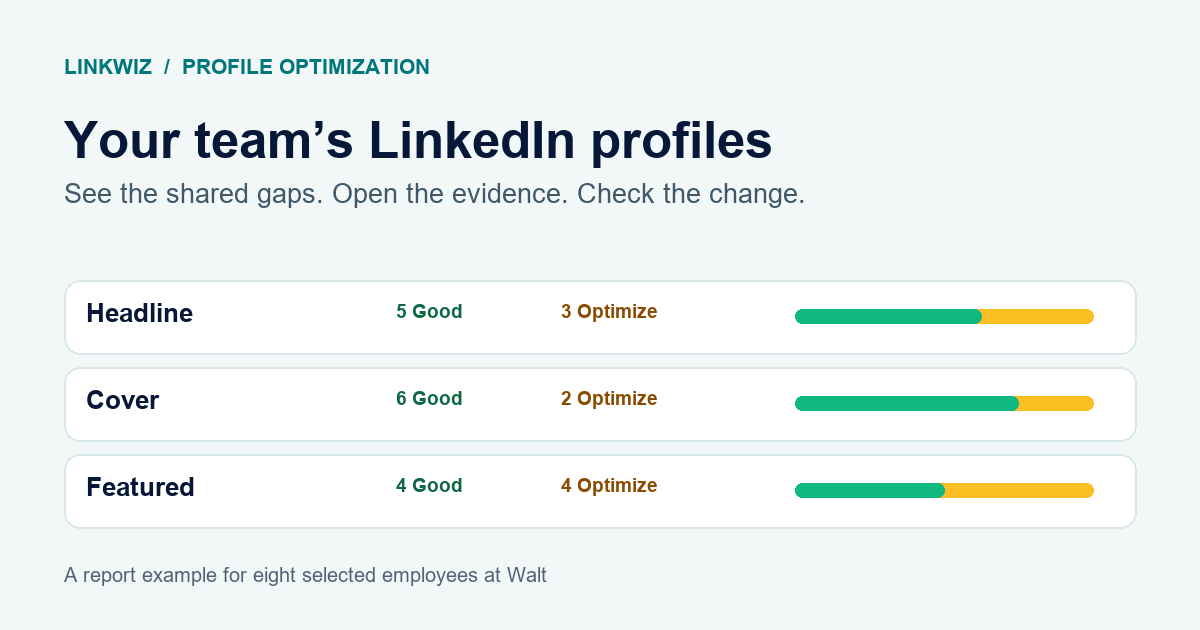
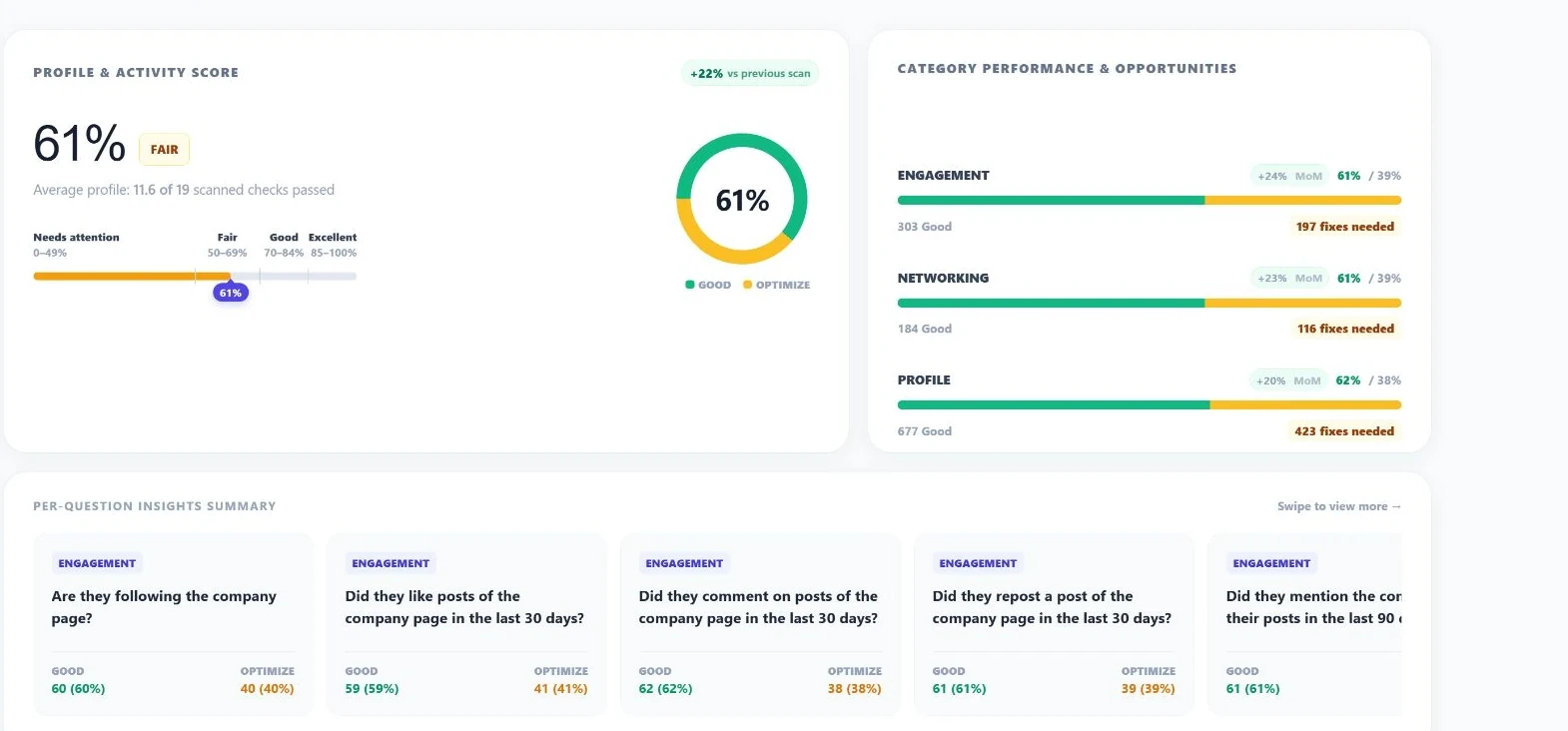
An aggregate score gives you a starting point. The useful part is being able to inspect the result behind it. In the demo, 1,164 checks are marked Good and 736 Optimize across 1,900 scanned checks. That produces the rounded 61% pass rate. It is not a measure of reach or a score supplied by LinkedIn.
Open the Matrix and select Alex Carter’s About result marked Optimize. His individual report opens with the relevant check expanded. The evidence shows that the profile has no About section. The recommended next step is to add one that explains his work and includes credible achievements.
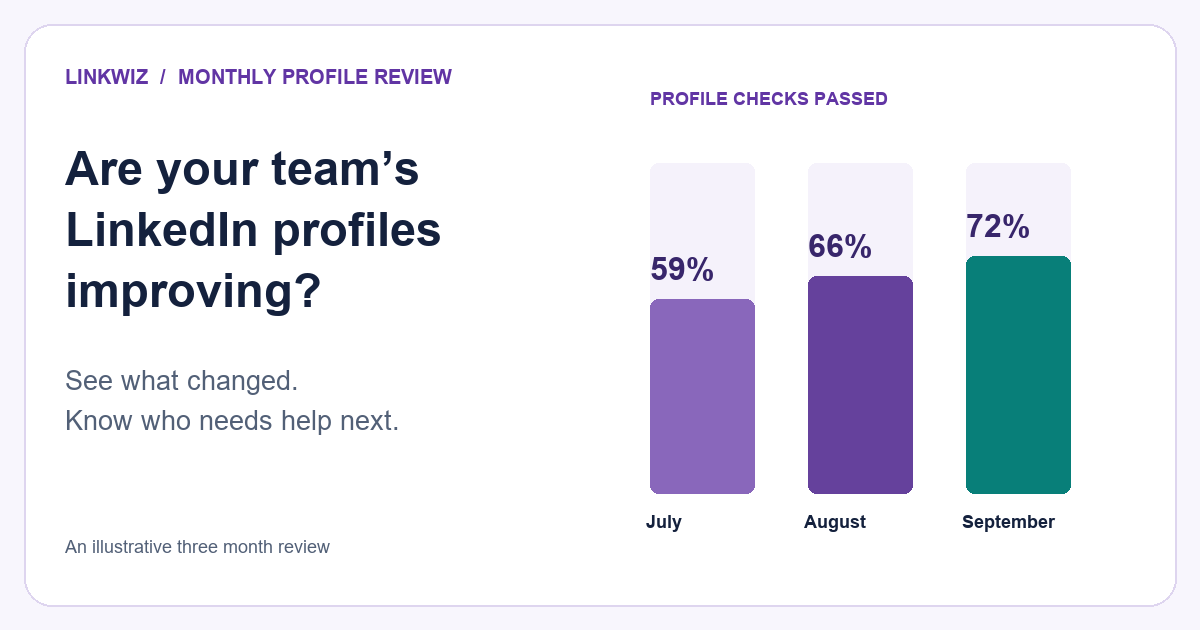
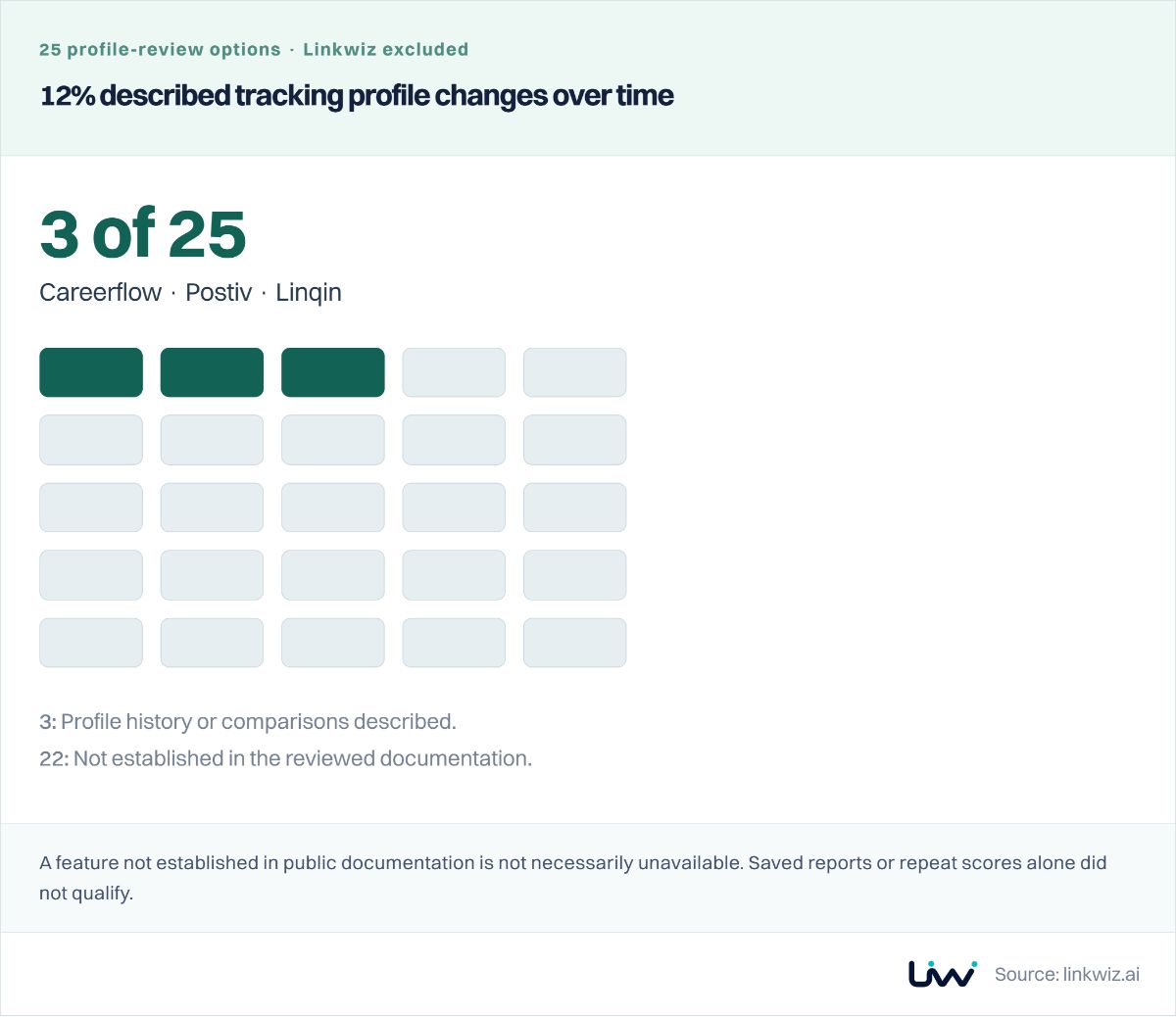
For a marketing lead, this means a repeated issue can become specific guidance for the people affected. The person still makes the actual profile edit. When multiple scans are available, scan comparison helps you review changes for the same selected team.
Explore LinkedIn profile analysis for teams for the checks and recommendations in more detail.
LinkedIn post tracking and public engagement
Profile quality explains how a person presents themselves. Activity shows how they participate. Activity Tracking brings captured posts, reactions, comments, reposts, and mentions into a shared view, with controls for people, activity type, date, search, and sorting.
The demo’s default All profiles, All activity, and All captured view contains 475 activities. Content patterns and Activity distribution help you examine publishing formats, topics, hashtags, and participation across the selected group.
Consider the Demo Company Page post about customer experience. It shows 137 reactions, 14 comments, and 6 reposts: 157 engagements. The card compares that with roughly 612 average profile engagements and displays −74.4% virality.
This gives employee advocacy measurement a practical scope: observed participation and support for company or colleague content. Reaction or comment activity can also display parent-post totals. Those totals are not engagement earned by that employee’s individual action.
Open Activity Tracking in the demo to inspect the cards, or read more about LinkedIn activity tracking.
From an interaction pattern to its supporting activity
Who is the team engaging with beyond the company? The External network view helps you inspect observable relationships with people and company pages. This can add context to LinkedIn social selling or an account-based marketing review.
In the demo, open Activity Tracking → Interactions → External network. The default view shows 317 observed interactions across 46 targets. Select Example Partner 2, which shows 10 interactions. The filtered feed contains three captured activities, including Quinn Patel’s repost.
Interactions and activities are different units. A relationship total and the number of supporting feed items answer different questions. Inspect the activity before deciding what a connection means.
The next step is a human decision: understand the conversation, identify useful context, and choose whether to participate. An observed interaction does not establish purchase intent or guarantee a lead.
Explore the LinkedIn ABM use case or social selling workflow.
Our comparison of 30 LinkedIn tools explains how this reporting can complement outreach, social selling and employee advocacy software.
A technical overview: reports, imports, scans, and the API
The API gives technical teams a programmatic route to create reports, supply profiles, follow scan progress, and retrieve report details, profile rosters, and report links. It supports custom integrations you build around those resources.
- Use a workspace-scoped key and choose or create a report.
- Validate the profile JSON, then commit the import.
- Retain the receipt and follow the returned scan references.
- Open the report URL to inspect detailed analysis and visualizations.
Keep credentials server-side. If the same write must be retried, reuse its idempotency key and retain the import receipt. Analysis is asynchronous, so track the returned scan state rather than assuming that a successful import means every result is ready.
A workspace report URL requires workspace access; a public URL exists only when sharing is enabled. The API does not provide a full analytics export, people discovery, scheduled scans, or standalone rescans.
Start with Linkwiz integrations, then follow the API quickstart and API capabilities and limits.
Your first session: follow one question through
You do not need to explore every chart to find a useful starting point. Choose a team or account context, inspect one recurring profile gap, review one post against its author’s baseline, and open one relationship’s supporting activity. Then choose one action your team can take.
Return to the same cohort when another scan is available. The purpose is to keep evidence and decisions connected. Start a report when you are ready to explore the current company-report access flow.
Follow Linkwiz on LinkedIn for platform updates and practical ways to improve your team’s LinkedIn presence.