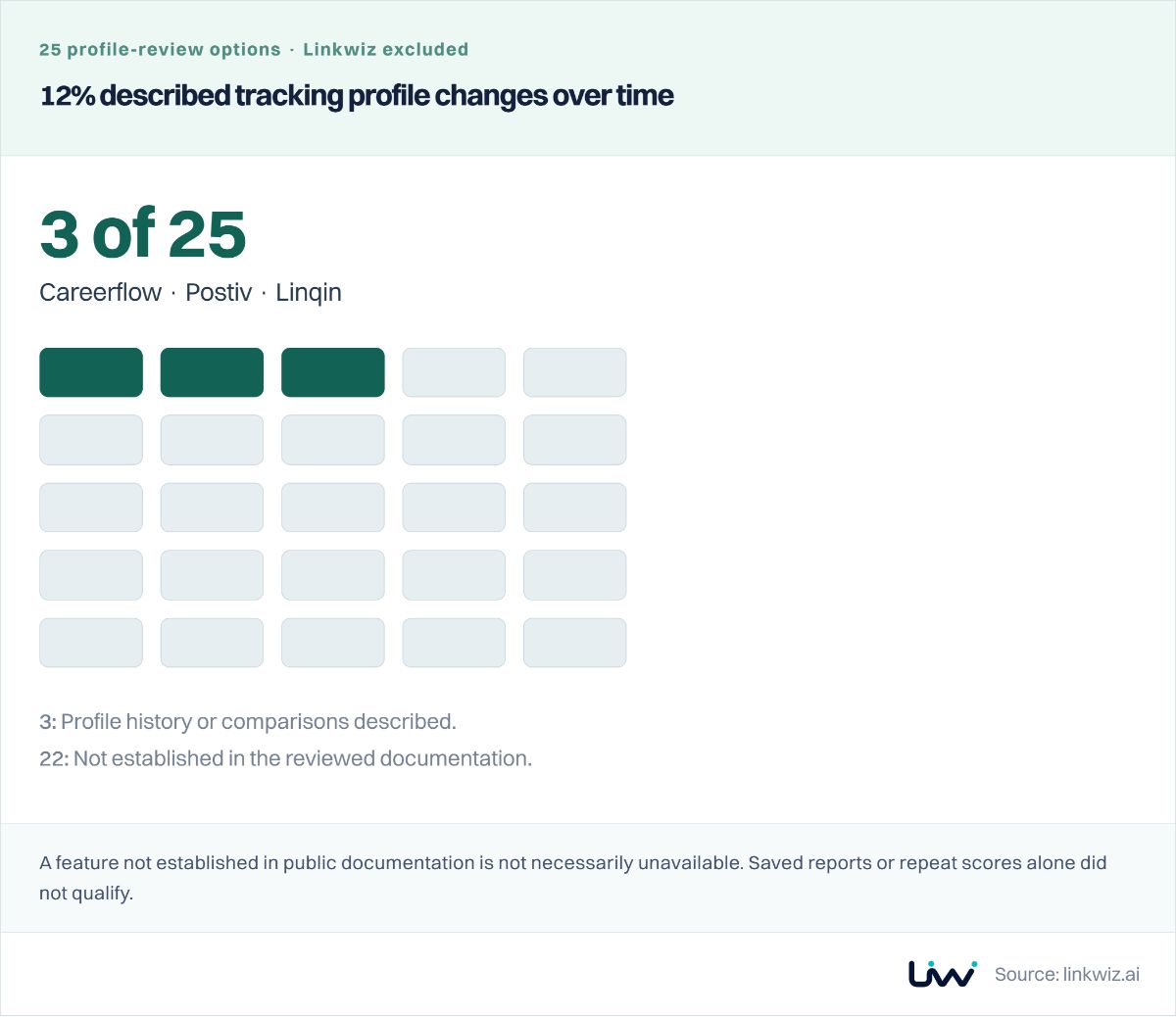
A LinkedIn analytics tool can report strong employee content performance without answering a different management question: is participation spreading across the team, or still concentrated among a few regular creators?
That distinction affects which tool you choose, which employees need to connect LinkedIn and what progress you can show six months later. Our review of eight reporting approaches explains the differences in activity coverage, account access, metric sources and historical data.
You may not need the same reporting setup for every employee. Review participation across the team, add detailed post analytics for employees whose publishing you manage, and keep company Page results separate. Before choosing a tool, check what historical data it can actually provide.
1. Team participation or post performance?
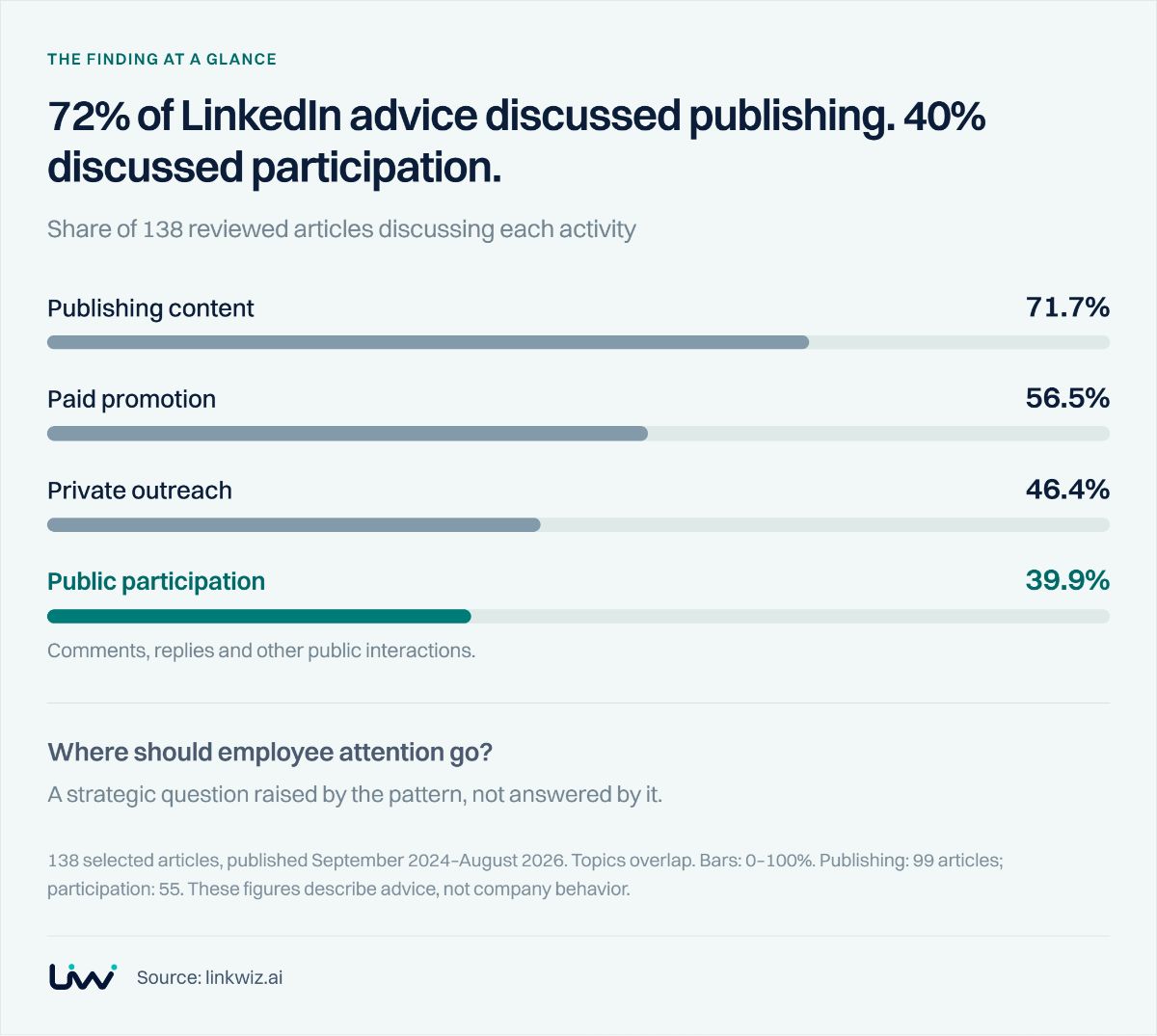
Successful employee posts do not necessarily mean participation is spreading across the team. A small group of creators can drive strong results while leaving you unsure whether colleagues are joining relevant conversations or supporting each other’s posts.
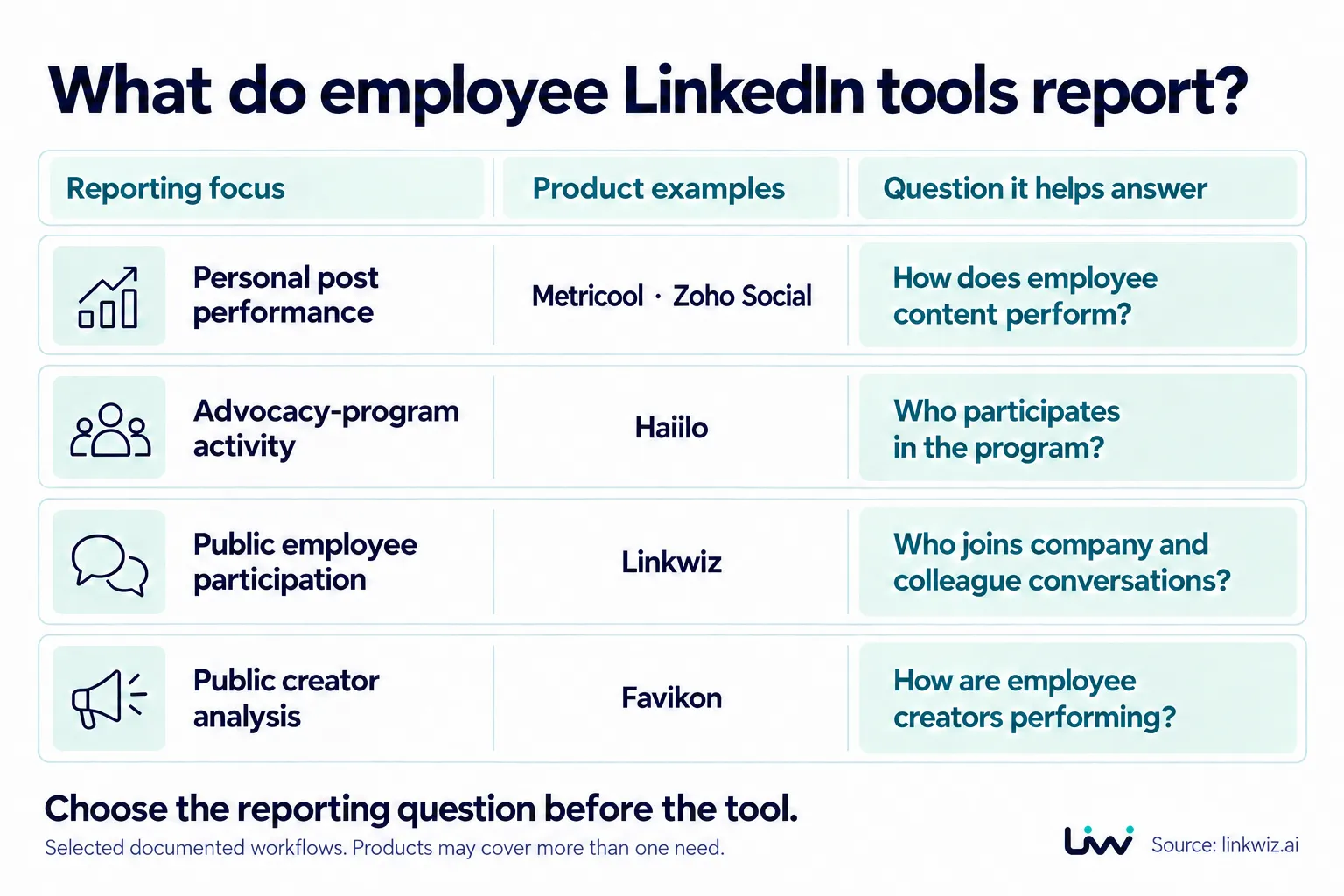
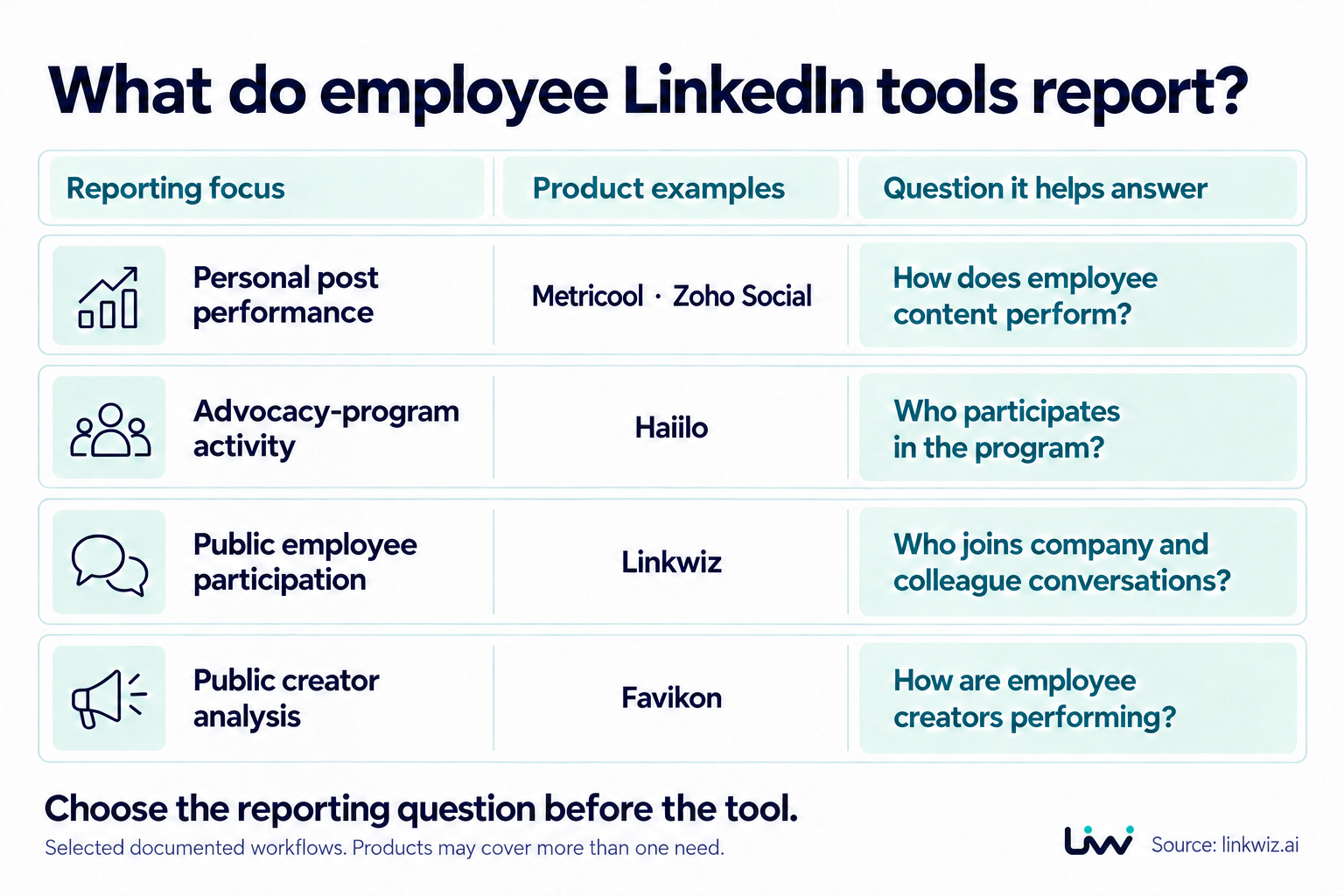
Choose the view that answers your management question. Metricool and Zoho Social report on personal posts, the engagement they receive and followers. Haiilo’s user reporting helps assess participation in its advocacy program, including content shared through the platform.
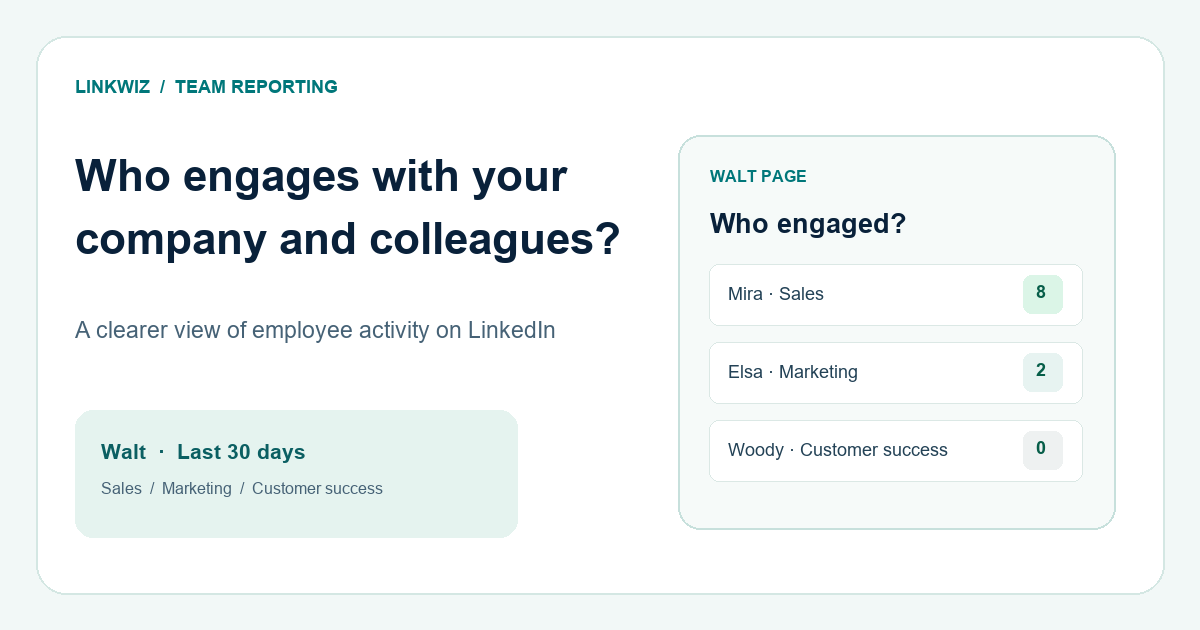
For a view of public employee activity, Linkwiz Activity Tracking brings together available contributions by selected employees around company, colleague and external content, with the underlying activity to inspect. Favikon’s employee lists and creator analysis offer another way to review public activity and audience context. These products may cover more than one reporting need.
In a demo, ask to see an employee who contributes mainly through comments and reposts. Can you identify the conversations they joined and read their contributions? Establish whether the report includes public activity, only their own posts or only activity within the vendor’s program.
With Linkwiz, a leader can move from a team participation pattern to specific contributions and opportunities to discuss with employees. The team engagement review guide shows that workflow.
2. Which employees need to connect LinkedIn?
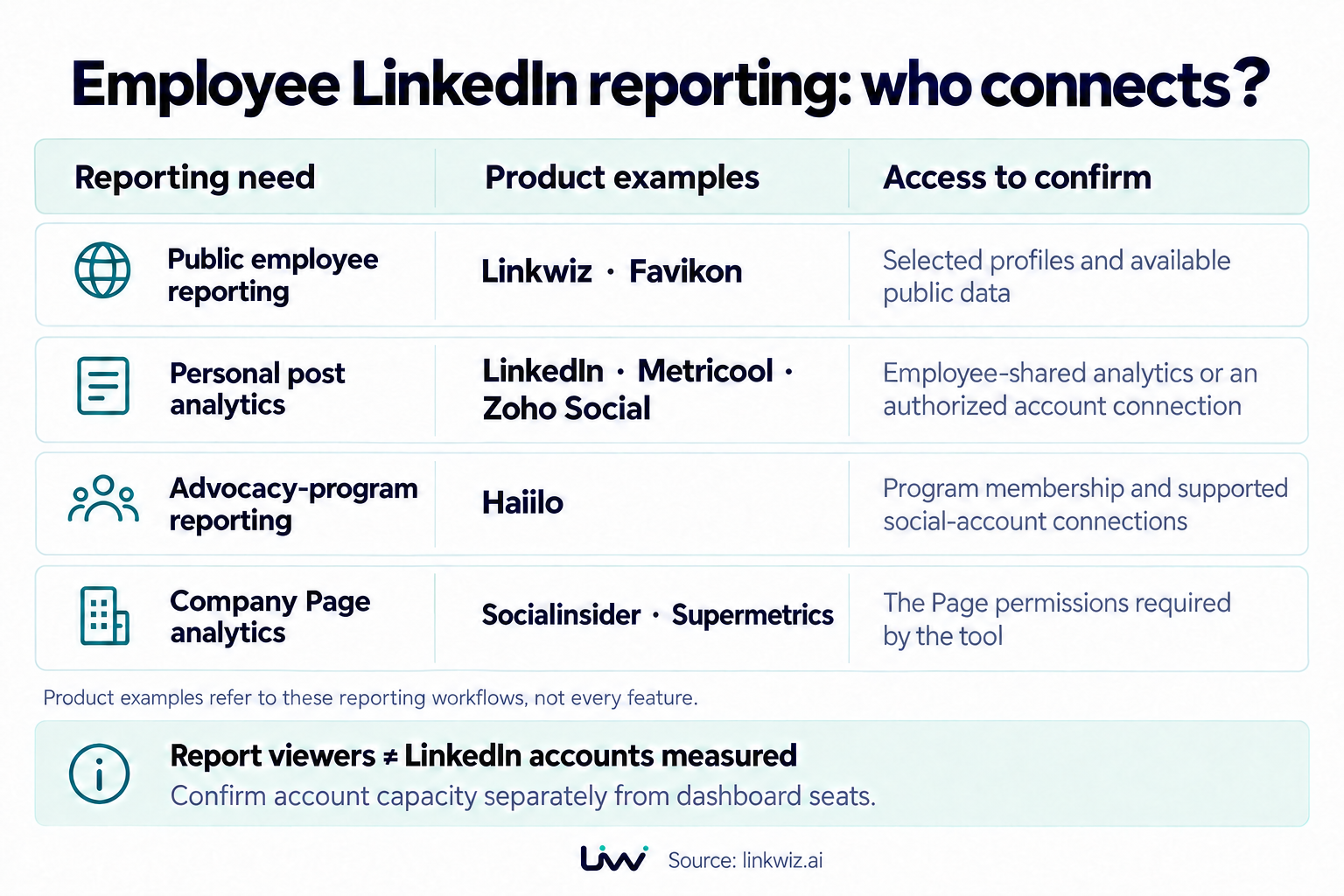
People who view a report and employees who connect LinkedIn are different parts of the setup. You can review available public activity without every employee connecting an account. Personal post impressions and audience details require employees to share their LinkedIn analytics or authorize a tool that supports those metrics.
Linkwiz starts with selected employee profiles and their available public information. Favikon also describes employee tracking without each employee needing a Favikon account. These options let you begin a public-activity review before arranging individual analytics connections.
For deeper post reporting, employees can share their native LinkedIn analytics, or authorize personal-profile reporting through tools such as Metricool and Zoho Social. Haiilo asks participants to connect their social accounts for its advocacy workflow. Check the metrics you need before deciding who should connect.
Account capacity matters as well as dashboard access. Metricool allows one LinkedIn personal profile or one Company Page per Brand. Zoho’s Agency documentation describes one LinkedIn Profile and one Page per Brand. Several colleague logins do not necessarily cover all the employee accounts you want to measure.
Company Page reporting has its own permissions. Socialinsider’s reviewed LinkedIn documentation covers Company Pages. Supermetrics’ Company Pages connector requires a Page super admin and brings Page data into reporting tools. Page access does not grant access to employees’ private post analytics.
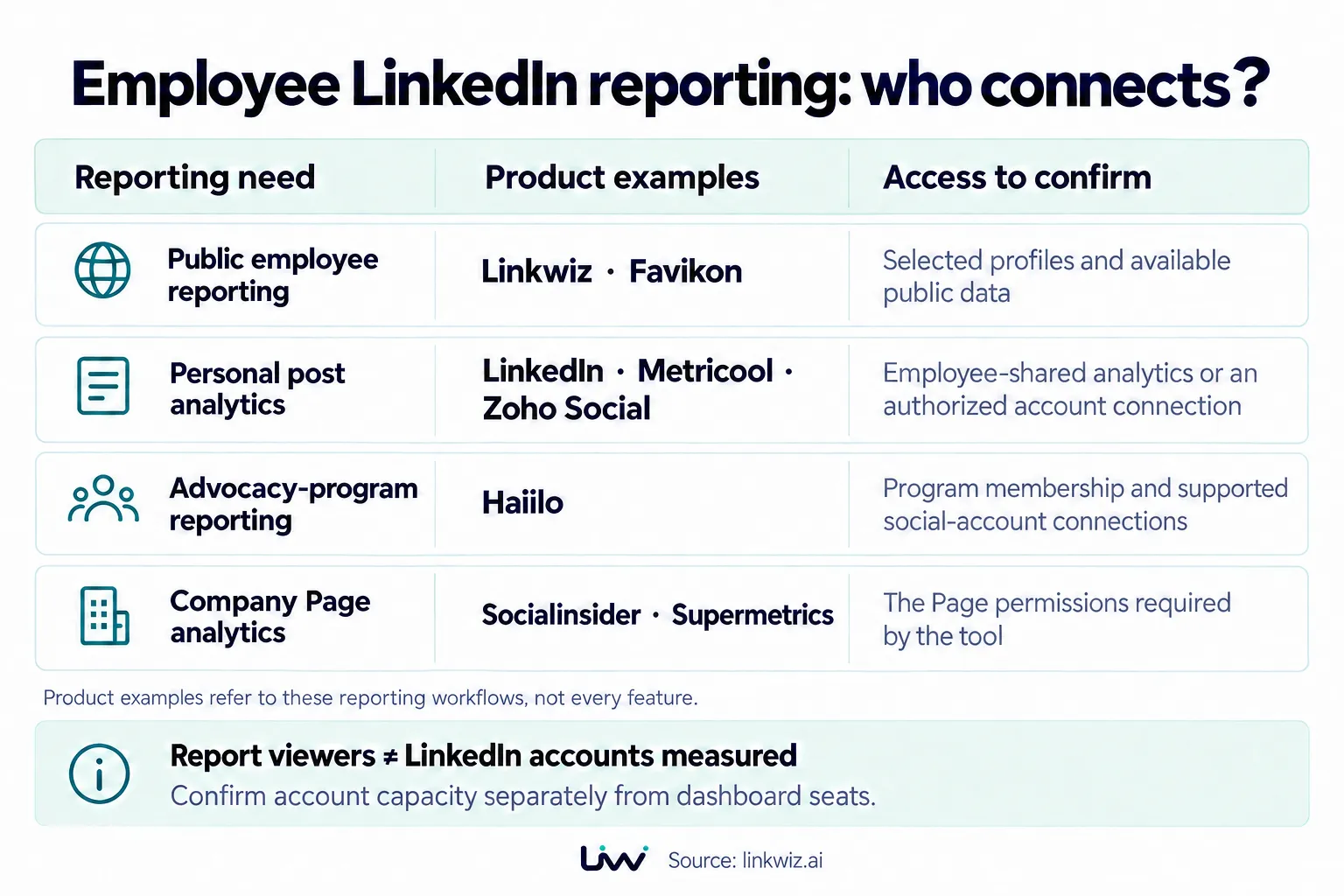
Give the vendor your actual requirements: employees to review, personal accounts to connect, Pages to include and colleagues who need to view or manage reports. Ask which plan and setup cover that group.
3. Where do the numbers come from?
A change in reported impressions can reflect a change in data source, not employee performance. This matters when combining reports or switching providers: similarly named metrics may be calculated differently.
Favikon’s public creator-data documentation describes impressions as algorithmic estimates. Metricool retrieves personal-profile metrics through LinkedIn’s official API. Keep the source attached to each metric when you combine those reports.
This is not an accuracy ranking. LinkedIn also describes its own analytics as estimates, and Metricool notes that some API metrics can differ from LinkedIn’s interface. Choose a consistent source for each measure so your team can interpret changes over time.
Keep other estimates clearly named in leadership reports. Haiilo’s potential reach uses connections, while its estimated earned media value models an advertising-cost equivalent. Those figures serve different purposes from delivered impressions or sales results.
Ask for a sample export showing the source and definition of each main metric. For a team participation review, keep the underlying posts and contributions available alongside the totals.
4. Can you compare progress month to month?
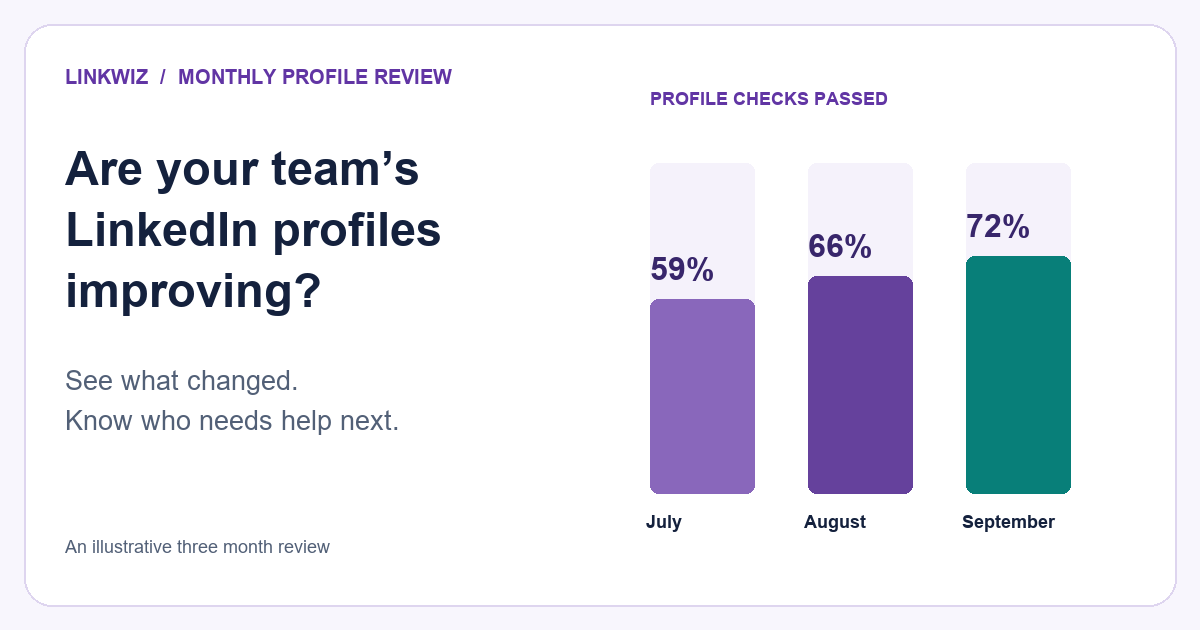
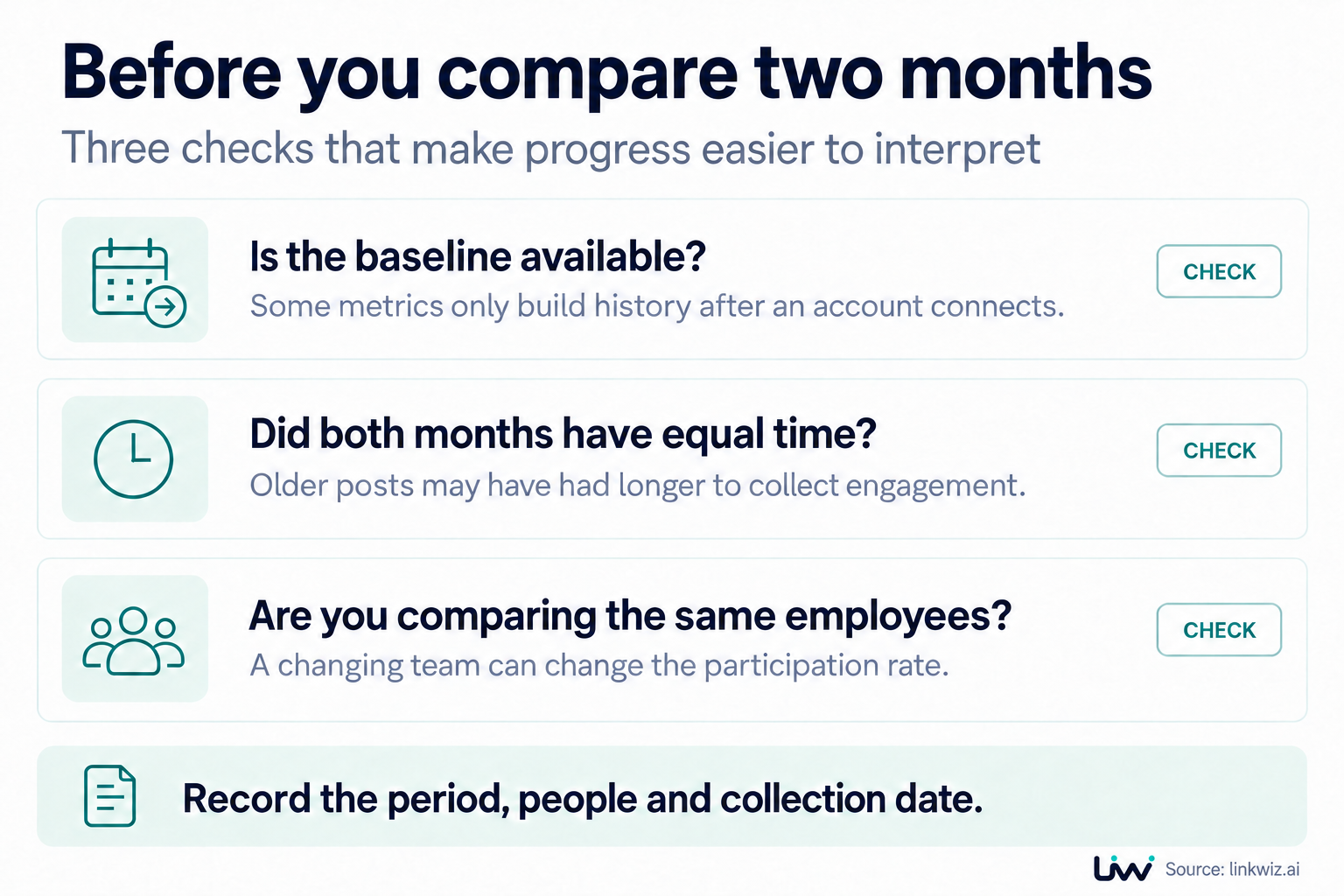
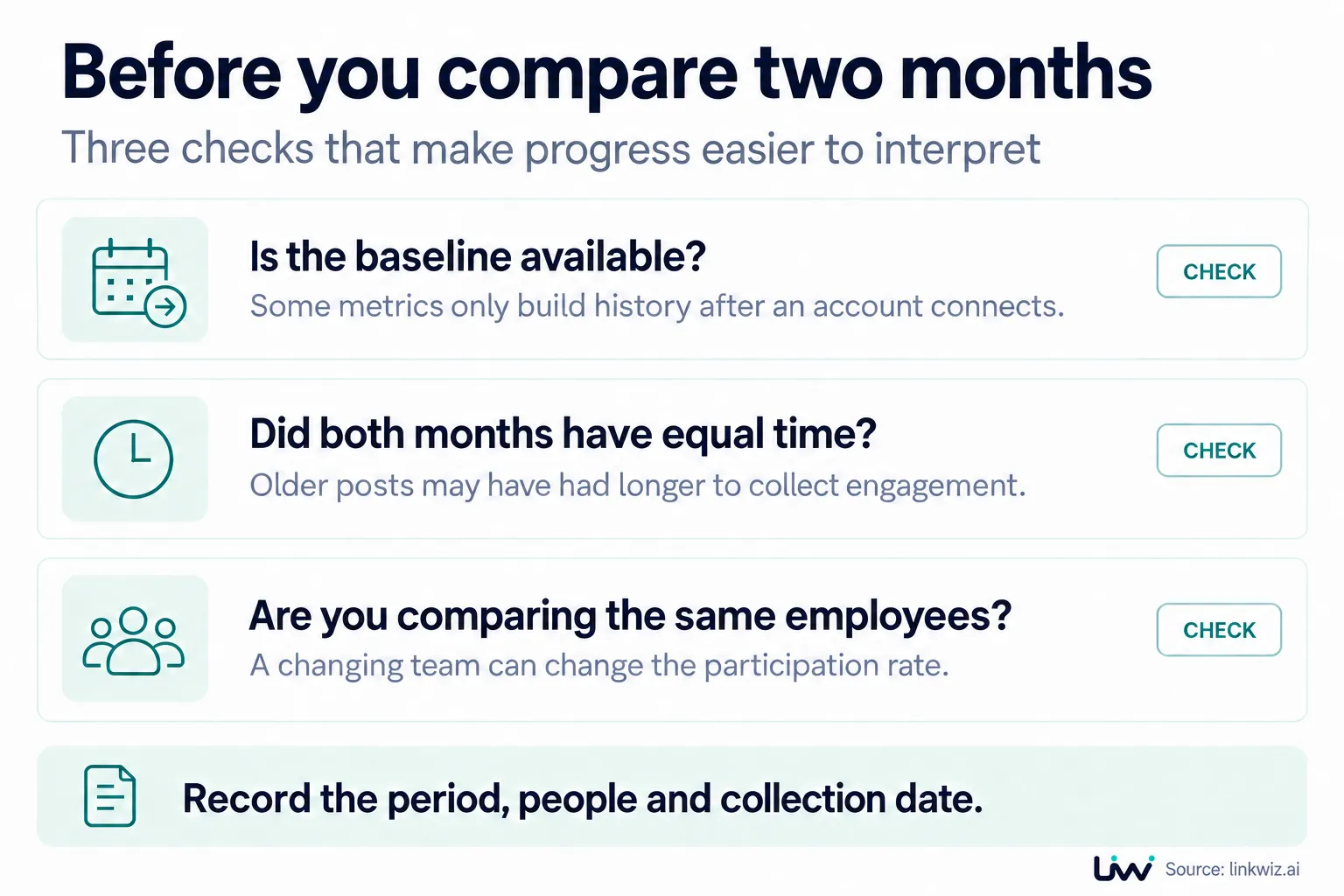
A monthly chart can be misleading if the employee group changes or older posts have had longer to collect engagement. Before using a dashboard to show progress, check three details that affect the comparison.
Does the tool have the past data you need?
Metricool’s personal-profile follower history starts at connection or renewed permissions; earlier follower history cannot simply be recovered. Connecting today may leave you without the starting point for a campaign that began months ago.
Ask to see the actual metric and historical period you need for the relevant employee accounts. A general promise of historical reporting does not establish whether those figures are available.
Have the posts had equal time to collect results?
Metricool distinguishes engagement during a selected period from accumulated results for posts published in that period. September posts can continue gaining responses in October, so their totals may keep changing after the month ends.
When comparing content month to month, give posts the same amount of time to collect results, or state the date the totals were collected. Otherwise, older posts have an advantage over newer ones.
Are you comparing the same employee group?
Haiilo’s participation measure uses current platform users even when an earlier period is selected. Changes to the user list can therefore affect how you interpret past participation. The measure also spans supported social networks, so it does not automatically represent everyone in the company who uses LinkedIn.
Record which employees are included in each period and explain any changes to the group. For public-activity reviews, also keep the activity period and supporting posts. An absence of captured activity does not, by itself, establish that someone was inactive.
What to ask for in your next demo
Ask the vendor to show a report for your employee group, explain which employees must connect LinkedIn, and demonstrate what a comparison with last month would include. Have them identify the sources of the main metrics and any missing historical data. That gives you something concrete to evaluate against your reporting needs.
Use the findings to support employees as well as report on them. Linkwiz provides profile and engagement findings and a feed of available posts. Through connected assistants such as ChatGPT, Claude and Codex, or the Linkwiz agent in Slack, employees can discuss that context and get help drafting a contribution. The weekly engagement recommendations guide explains the workflow.
About this article
Published by Linkwiz. We reviewed platform and vendor documentation on 14 October 2026, using a research file of 35 sources and eight selected reporting approaches: LinkedIn, Linkwiz, Favikon, Metricool, Zoho Social, Haiilo, Socialinsider and Supermetrics. The comparison addresses reporting scope, access, metric sources and historical coverage. It is a documentation review, not a hands-on accuracy benchmark or a representative survey of the market.
Sources appear beside the relevant claims. A documented capability is not necessarily exclusive to that product. Where the sources did not establish coverage, we left it unconfirmed rather than treating it as absent. Public activity may be incomplete, and using complementary tools does not imply automatic integration between them.
Historical coverage also varies within LinkedIn itself. For content other than videos and articles, its help lists 1,000 days for discovery and social engagement counts, 400 days for members reached and 180 days for demographics. These native availability windows do not guarantee the same retrieval through a third-party tool. See LinkedIn’s analytics availability notes.
We did not establish a consistent window for retrieving past data for Supermetrics or Haiilo, or an exact historical coverage period for personal profiles for Zoho Social. No paid accounts, employee imports or authenticated accuracy tests were used. Linkwiz is included as our own product using its published report workflow and activity documentation.
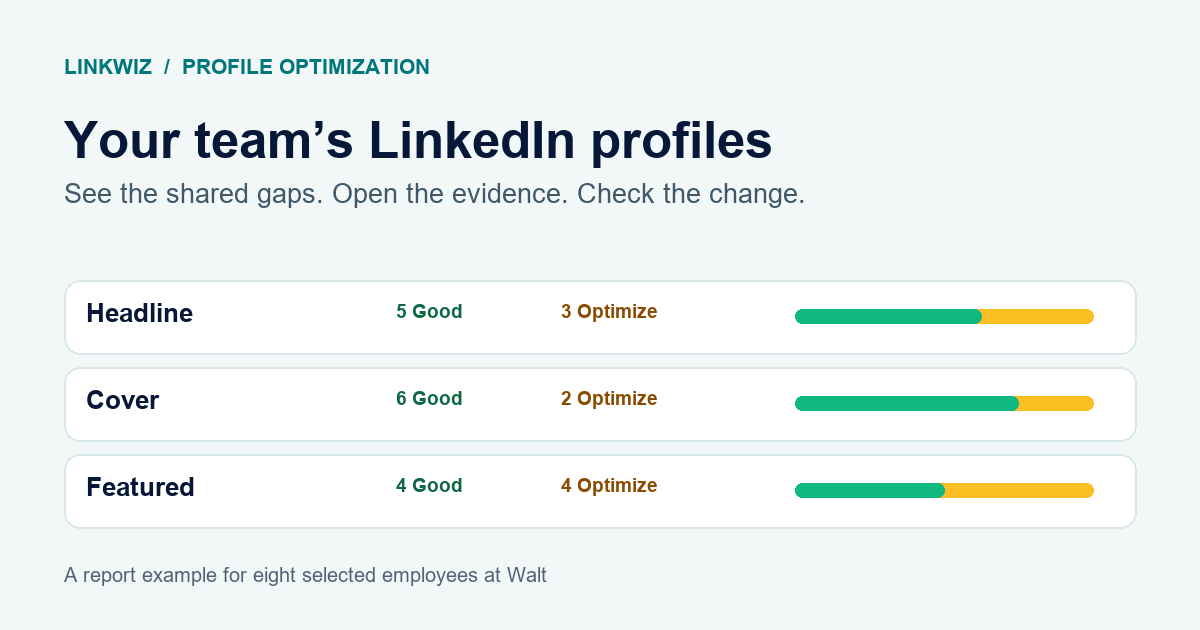
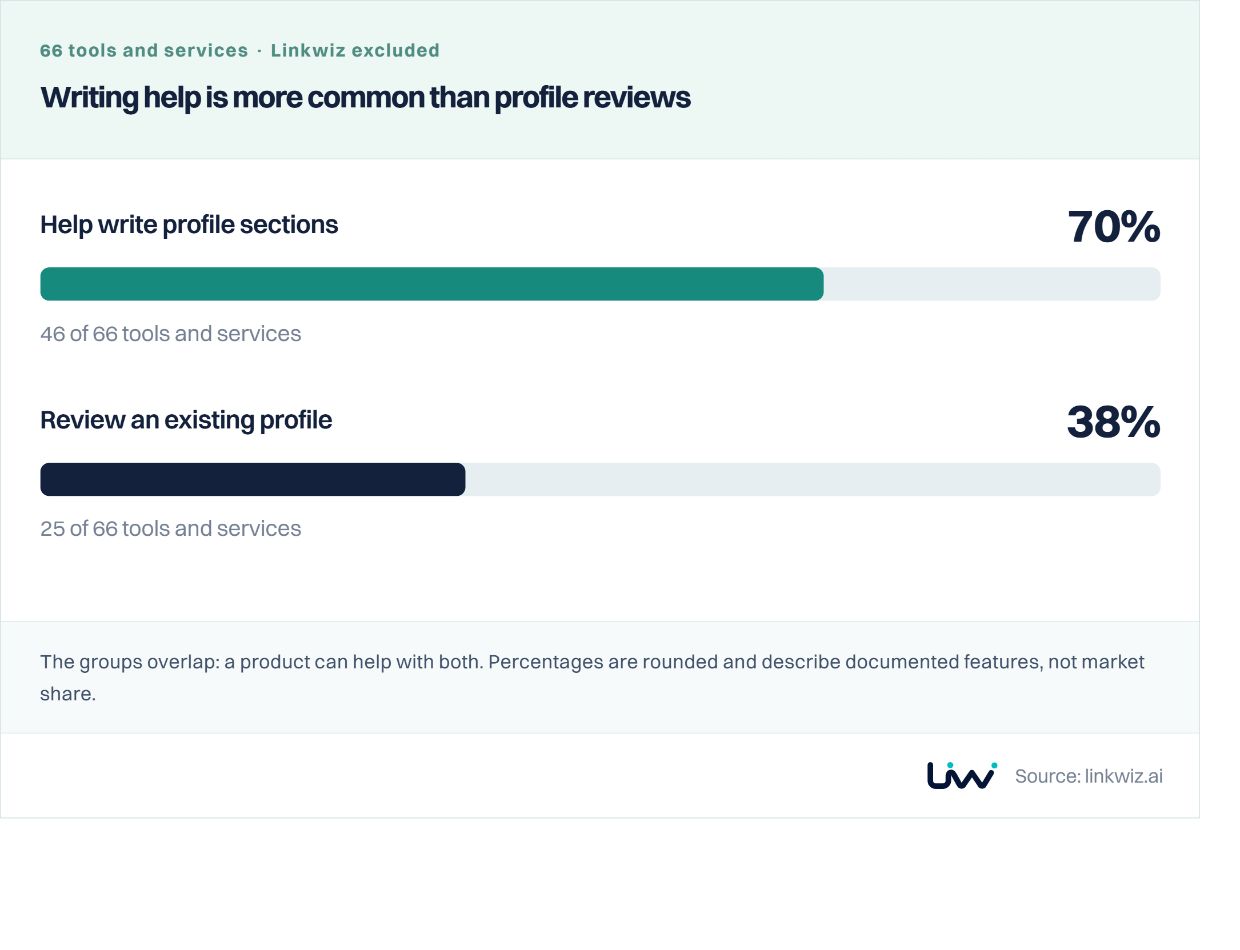
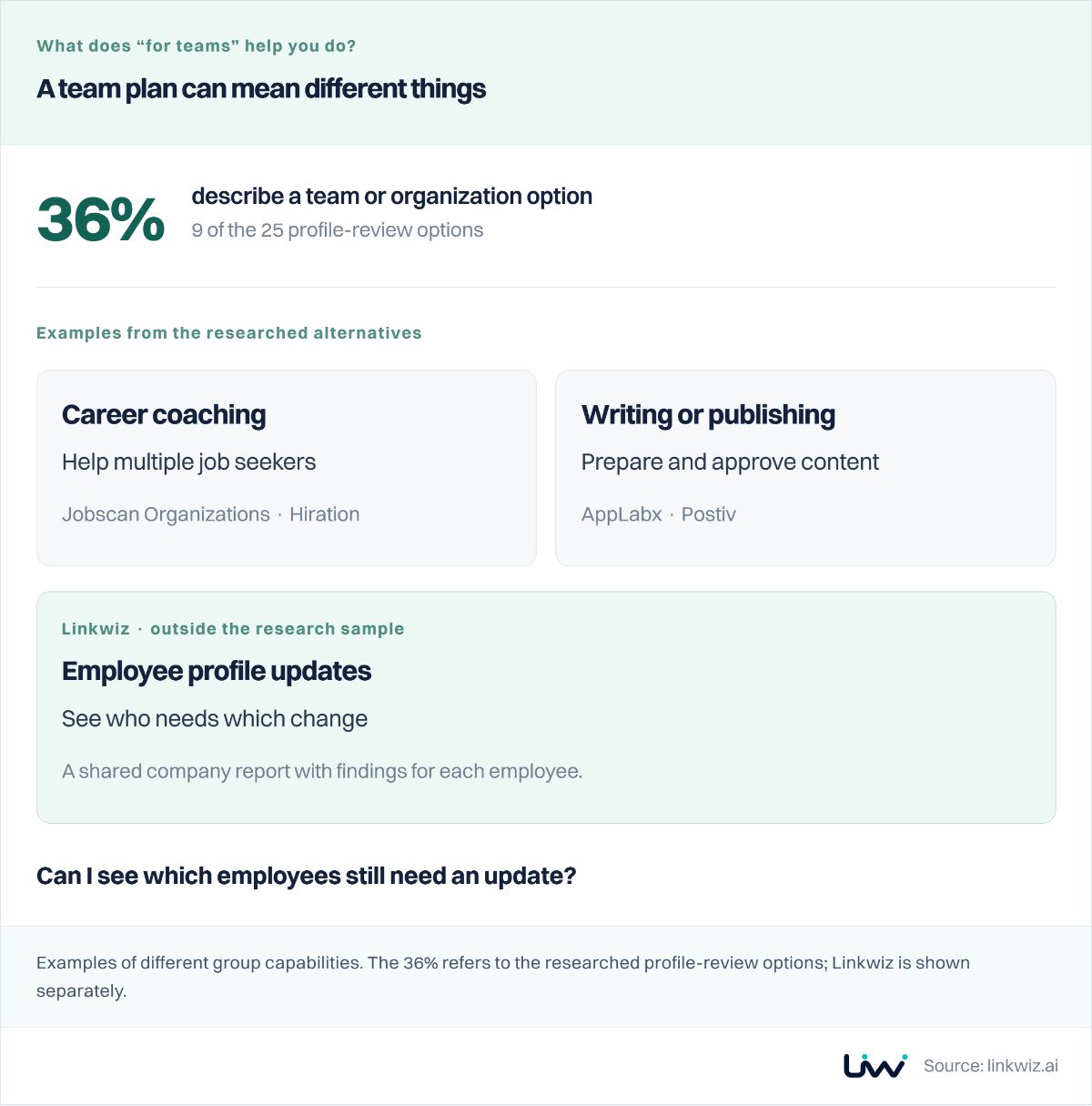
For the separate question of how tools help teams improve employee profiles, see our research on 66 LinkedIn profile tools. Use the site’s Report button to flag a source or capability that needs updating.