Sharing a new company cover image is easy. Knowing whether employees added it to their LinkedIn profiles takes a follow up. The same is true of a clearer headline, a missing About section or a useful company post in Featured.
A monthly profile review gives marketing, sales enablement and customer success managers a practical answer: which recommendations became visible changes, and who needs more help?
Linkwiz brings employee LinkedIn profile findings and activity tracking into a company report. This article follows Walt, a fictional company with 100 employees, through three monthly reports. Names, figures and profile text are illustrative.
Start with the first report, then look for progress
Walt creates a company report in Linkwiz and includes all employee LinkedIn profiles, including its sales, marketing and customer success teams. The report runs 19 checks across Profile, Engagement and Networking, with individual findings and recommendations.
In July, marketing reviews the findings and shares company cover images, examples of clear headlines and suitable posts to feature. Managers help employees describe their roles. As later scans become available, Walt reviews the saved results for August and September.
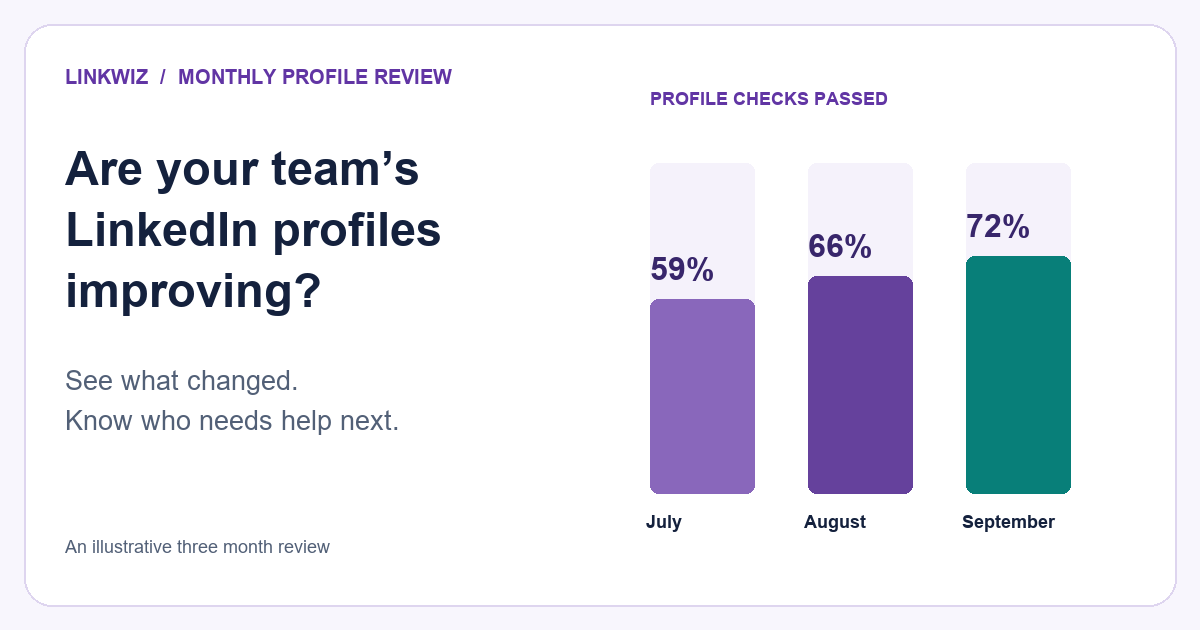
The Profile category rises from 59% of checks passed in July to 72% in September. That gives Walt a useful starting point for the review: more of the checked profile details now meet the criteria.
More of Walt’s profiles meet the checks each month
PROFILE CATEGORY · CHECKS PASSED
59%
July
66%
August
72%
September
13 percentage points higher. Same 100 employee profiles across all three months.
View the figures behind the chart
| Month | Checks passed | Rate |
|---|---|---|
| July | 649 of 1,100 | 59% |
| August | 726 of 1,100 | 66% |
| September | 792 of 1,100 | 72% |
The Profile category contains 11 criteria, giving 1,100 results per month here. Each full report runs all 19 checks across Profile, Engagement and Networking.
This chart brings three monthly results together. Within Linkwiz, Report month shows the available historical results, while Compare relates a month to the previous month using compatible rescanned profiles and comparable checks.
If you are preparing the first review, our guide to LinkedIn profile optimization for teams explains the findings and recommendations in more detail.
Find out which profile updates employees made
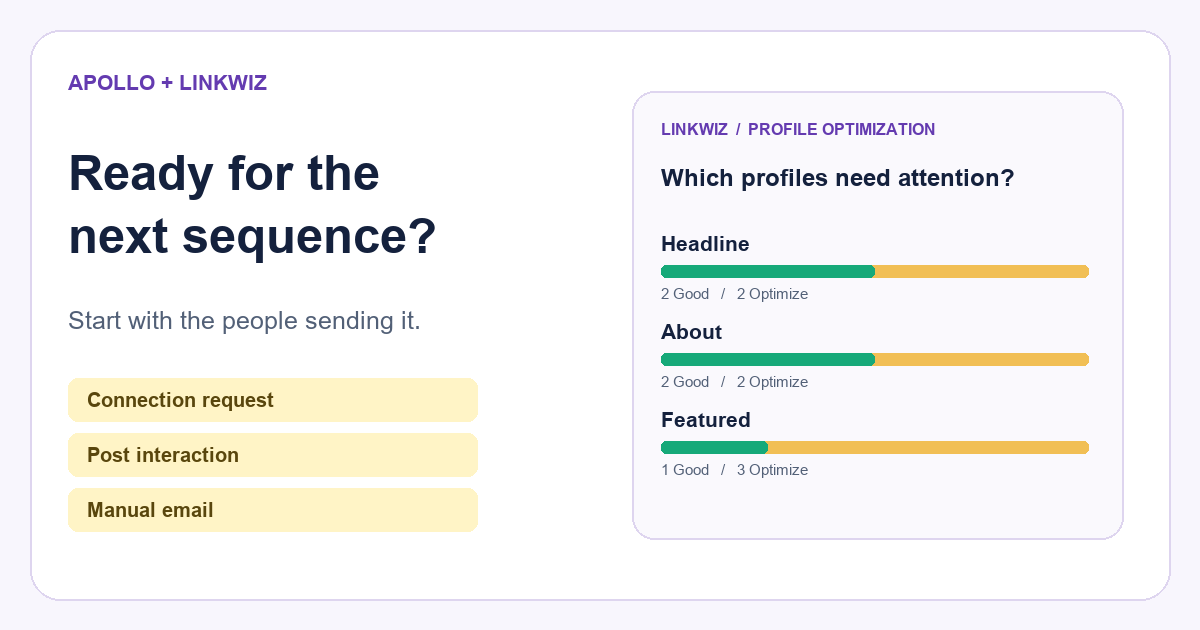
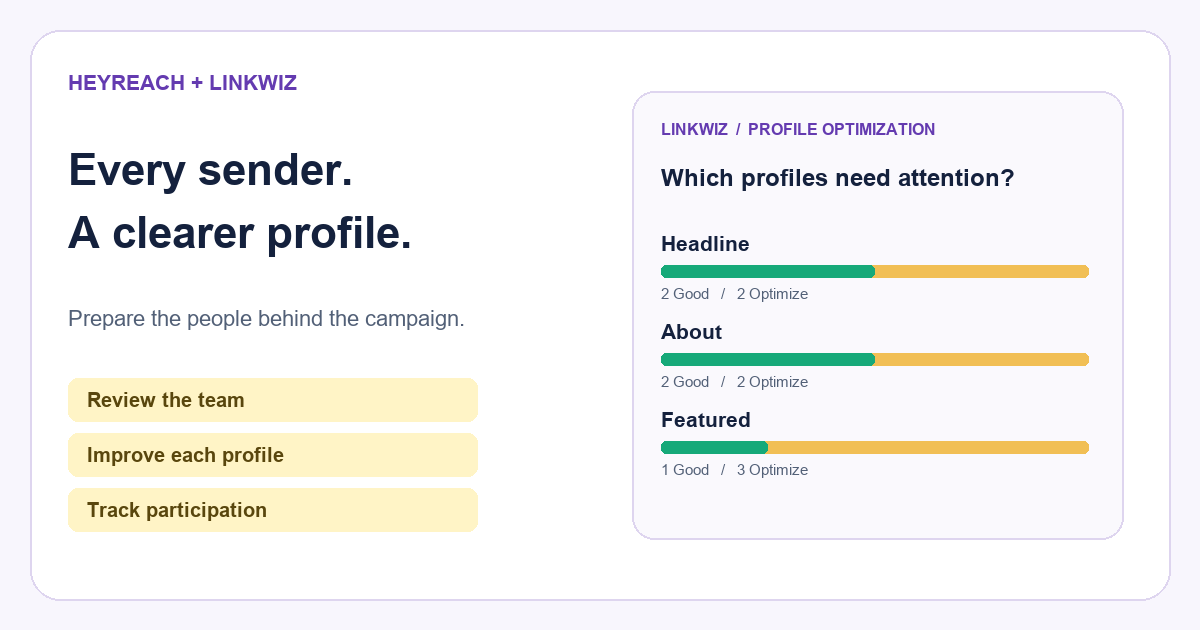
The percentage tells Walt that profiles changed. Optimization opportunities shows where: each check lists how many employees have a Good result and how many still have an Optimize finding.
By September, 92 employees have a company related cover, compared with 55 in July. The headline check also improves, from 63 profiles mentioning Walt to 90. These are concrete updates that make the company connection more visible when someone sees an employee’s profile.
Which profile updates did the team make?
Headline mentions Walt
July report
September report
Company related cover
July report
September report
About section present
July report
September report
Company related Featured post
July report
September report
The About result improves more slowly at first, from 60 employees in July to 68 in August. Walt responds by offering role examples and individual help. By September, 85 employees have an About section.
This gives marketing a more useful conversation than a reminder to everyone to “update your LinkedIn.” Cover images are nearly addressed; missing About sections still affect 15 people. The next round of support can focus on those employees.
Look at the profile behind a changed result
Arielle Reed, an account executive at Walt, is one of the employees whose About result changes between August and September. Her August individual report shows an Optimize finding because the section is missing.
The report’s Evidence explains the finding, and Recommended next step gives her a starting point. Walt supplies role examples; Arielle writes an introduction that explains whom she helps and what she does.
Arielle added the About section her profile was missing
Arielle Reed
August report
Evidence
No About section was found.
Recommended next step
Introduce your role at Walt and the marketing teams you help. Explain what customers can speak with you about.
September report
Evidence
I’m an Account Executive at Walt, helping marketing teams plan video content for their campaigns. I work with potential customers to understand their audience and goals, then connect them with the right people on our team.
In September, the evidence contains Arielle’s introduction and the About check is Good. Walt can see the actual addition alongside the changed result. That makes the monthly review specific: Arielle has addressed the missing section, while another employee may still need help getting started.
Historical findings also provide context for future conversations. A manager can distinguish a detail that has stayed unresolved across reviews from something that appeared only in the latest scan.
Use the latest report to decide who needs help
A higher company result does not mean every employee needs the same next step. The Matrix puts employees beside their check results, so Walt can identify the people behind the remaining gaps.
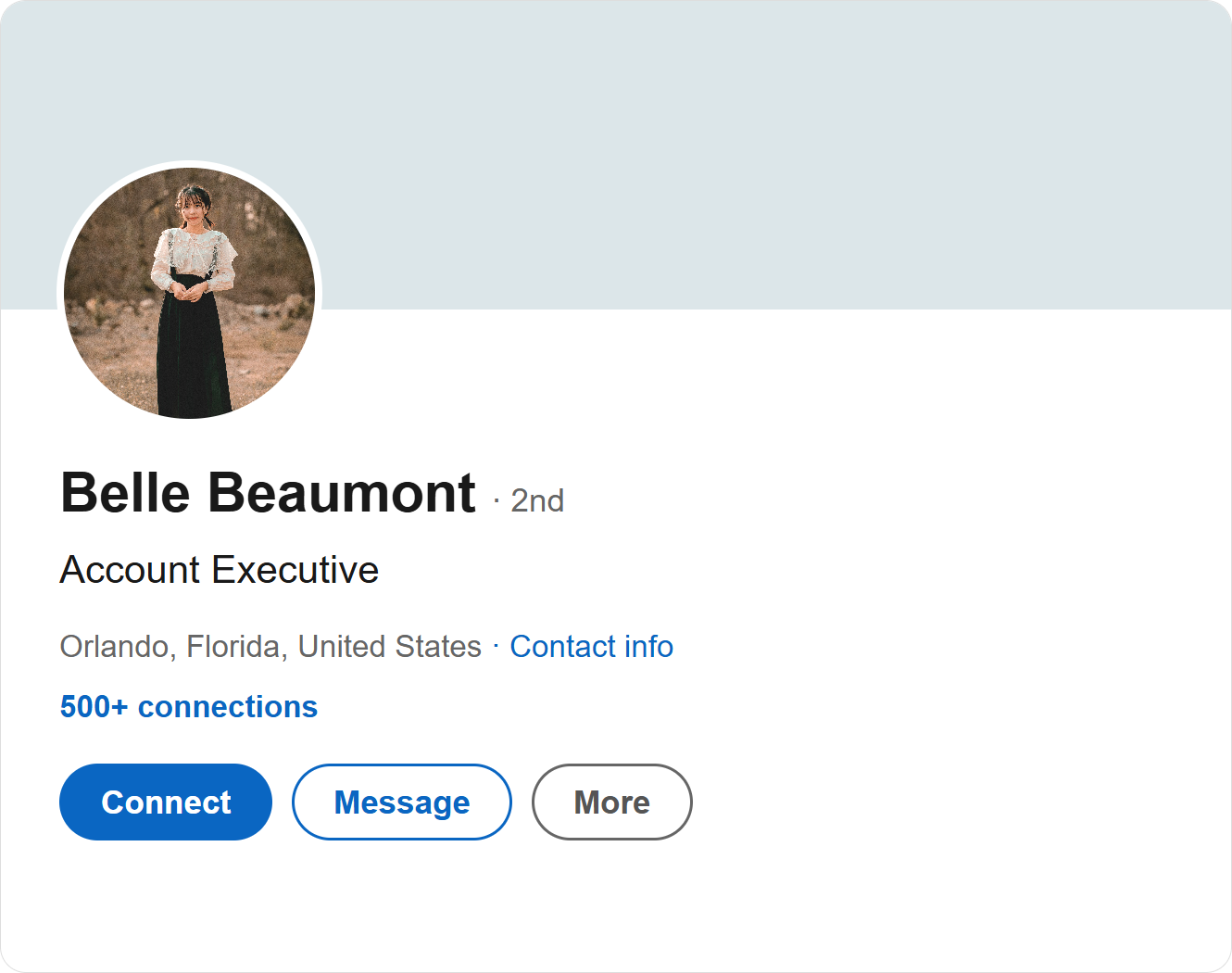
In September, Olivia still needs a headline that mentions Walt. Finn needs a company related cover. Max is missing an About section, while Belle has no company related post in Featured. The excerpt below shows those four employees.
The next review starts with the gaps that remain
| Employee | Headline | Cover | About | Featured |
|---|---|---|---|---|
Olivia Oak | Optimize | Good | Good | Good |
Finn Flint | Good | Optimize | Good | Good |
Max Goode | Good | Good | Optimize | Good |
Belle Beaumont | Good | Good | Good | Optimize |
Olivia Oak
Help Olivia add Walt and her current role to her headline.
Finn Flint
Give Finn a company cover image ready to upload.
Max Goode
Share an About example and help Max introduce his customer success role.
Belle Beaumont
Suggest a relevant Walt post for Belle’s Featured section.
What Walt can do next
Help Olivia add Walt and her current role to her headline.
Give Finn a company cover image ready to upload.
Share an About example and help Max introduce his customer success role.
Suggest a relevant Walt post for Belle’s Featured section.
Across all 100 employees, the same four checks still show 10 headlines, eight covers, 15 About sections and four Featured sections to address. Other Profile checks remain visible in the full report.
A repeated finding is a reason to understand what would help. An employee may need an approved image, a relevant post or a clearer way to describe their role. Walt can offer that support, then review the evidence when the next scan is available.
Make the next monthly review useful
Walt’s monthly review ends with three decisions: which profile updates are now in place, which employees still need support, and what marketing or managers will provide before the next review.
There is broader evidence for making progress visible. A review of 138 randomized studies found that interventions encouraging people to monitor progress improved goal attainment on average. It supports the habit of reviewing progress, rather than establishing a result specific to LinkedIn or Linkwiz.
Keep the interpretation close to what the report shows. The Profile category tracks the checked profile details. Whether those updates lead to more profile visits, replies or booked meetings is a separate question that needs separate evidence.
For Walt, the immediate value is clear: the team can see which recommendations became profile updates and give more relevant help to employees with gaps. As roles change and new colleagues join, the same review provides a way to keep that support current.
Explore Linkwiz profile analysis or the company report demo to see the historical results, optimization opportunities and individual findings behind this approach.