Apollo includes a LinkedIn task called View profile. It helps a rep understand the person they are about to contact. Turn that question around: when a prospect checks the rep, does their profile support the conversation?
Linkwiz adds that review to an Apollo team's preparation. Its Profile Optimization report checks selected employee profiles, shows where information is missing and provides specific recommendations. Sales can keep prospecting and running sequences in Apollo while marketing helps the people sending them present a clearer picture of their expertise and company.
Follow Walt, a fictional entertainment company that creates video content for businesses. Its sales and marketing teams use account based marketing to reach potential customers. The four sales employees, profile findings and interactions below form one illustrative example.
What does a prospect see when they check the sender?
Apollo sequence activities
Send connection request
Interact with post
Manual email
Belle’s LinkedIn profile
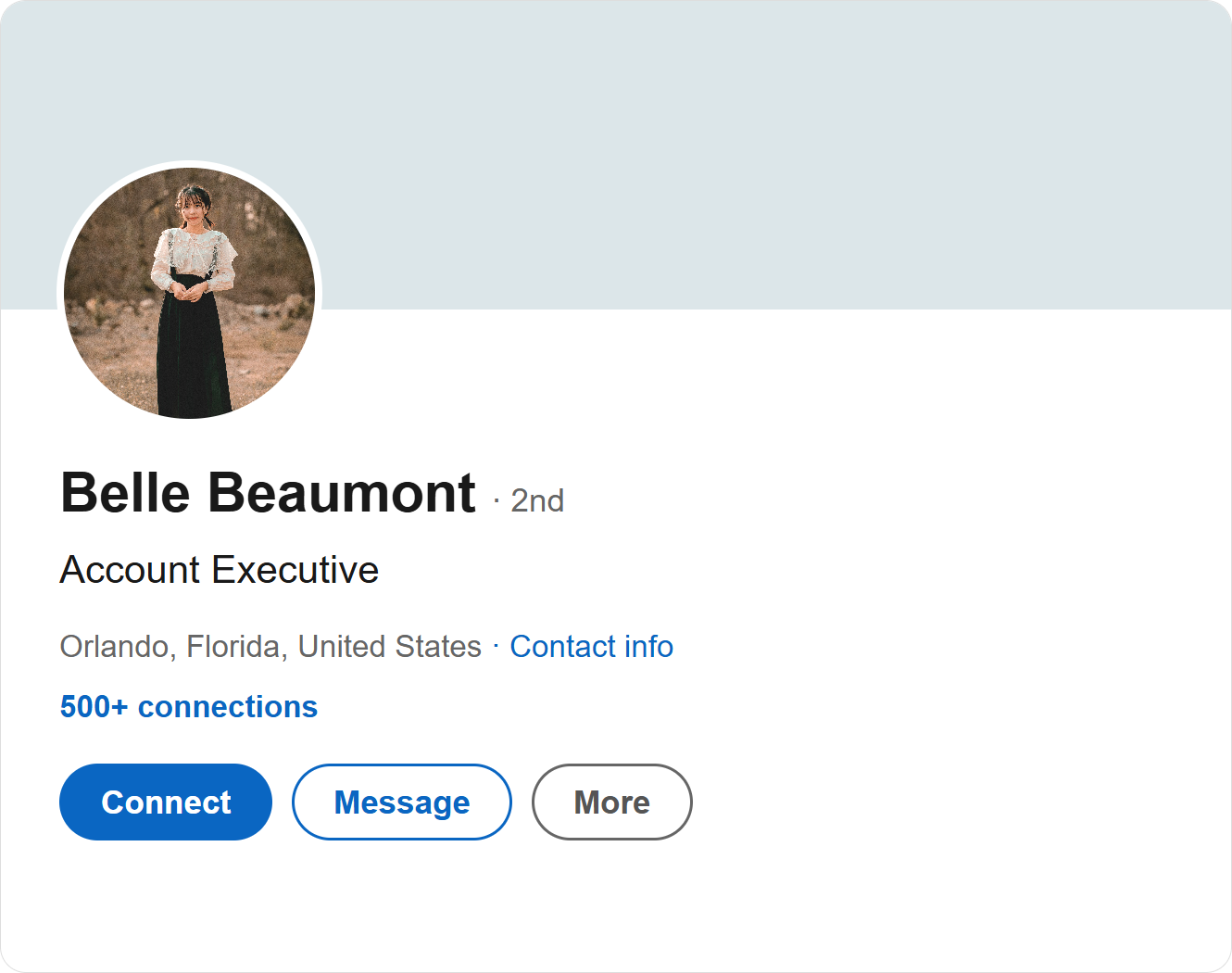
No cover photo. A distant profile photo. A headline that leaves out Walt.
Photo: Hải Nguyễn on Pexels
LinkedIn lets invitation recipients view the sender’s profile before responding. A buyer who receives a cold email may also look the sender up. A clear profile gives that visit useful context.
Add a profile review to your sequence preparation
Sales and marketing agree which companies to target. Walt's sales team uses Apollo to identify contacts at target accounts, organize them into a list, enrich contact information and enroll them in a sequence. Belle Beaumont, an account executive, plans a connection request, a LinkedIn post interaction and a personal email as part of that sequence.
Apollo’s sequence guidance combines email, calls and LinkedIn tasks. Its customer stories describe identifying contacts, using filters and lists, enriching records and moving them into sequences within Apollo. Linkwiz fits around that established workflow by reviewing the employee profiles behind the outreach.
Before outreach begins, Walt creates a company report in Linkwiz with the LinkedIn profiles of all its employees. Among them are account executives Belle Beaumont and Arielle Reed, and SDRs Peter Panley and Jasmine Vale. Linkwiz analyzes employees' public profiles and activity, bringing the findings into one report.
The report contains 19 checks across Profile, Engagement and Networking. These include whether the headline names the company, whether an About section is present, and whether Featured includes a company related post.
See which senders need which improvements
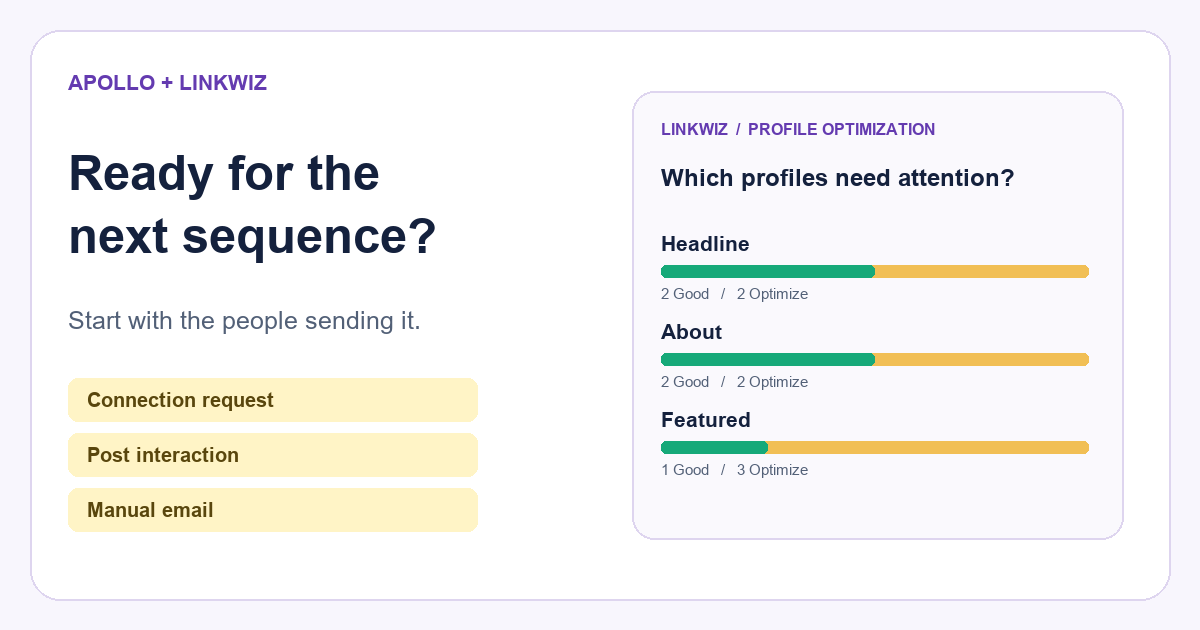
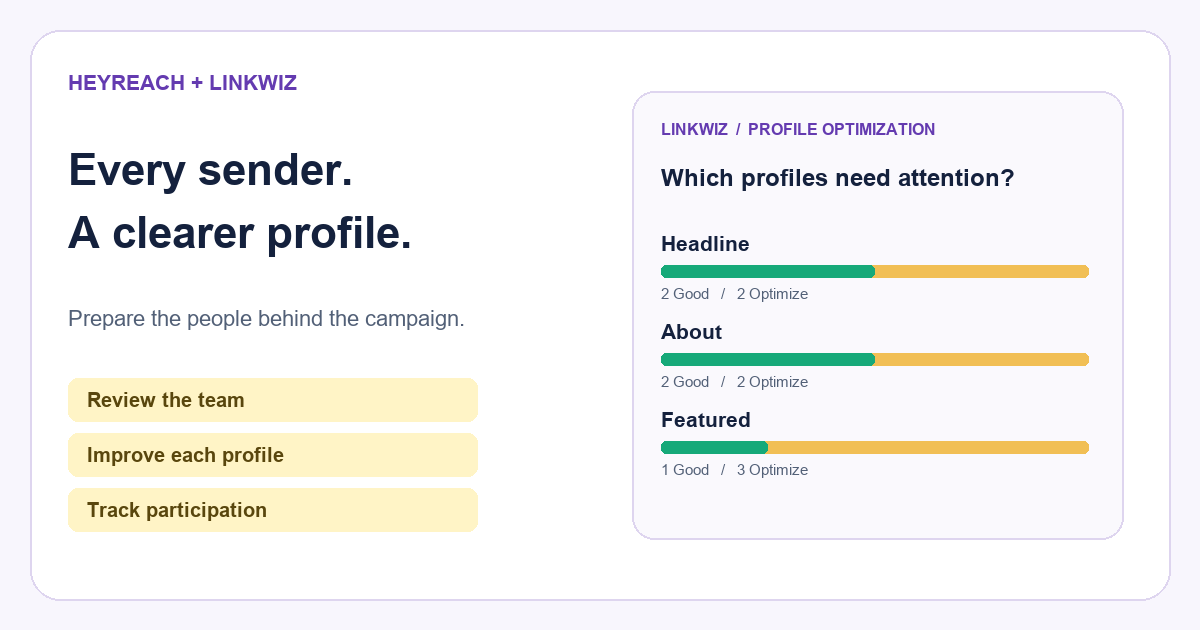
In Optimization opportunities, Walt sees the number of Good and Optimize results for each check. The Matrix connects those results to the employees. Across this four person group, two headlines need the company name, two profiles are missing an About section, and three Featured sections lack a company related post.
Which sender profiles need attention?
Headline
2 Good · 2 Optimize
About
2 Good · 2 Optimize
Featured
1 Good · 3 Optimize
| Employee | Headline | About | Featured |
|---|---|---|---|
Belle Beaumont Account Executive | Optimize | Optimize | Optimize |
Arielle Reed Account Executive | Good | Optimize | Good |
Peter Panley Sales Development Representative | Optimize | Good | Optimize |
Jasmine Vale Sales Development Representative | Good | Good | Optimize |
Arielle Reed
Peter Panley
Jasmine Vale
Three Profile checks shown. Belle’s About finding is expanded below.
The pattern gives marketing a specific job: provide relevant Walt posts that employees can choose to feature. Sales can help Belle and Arielle write an About section that explains their role. Belle and Peter also need to add Walt to their headlines.
This review belongs alongside account selection and message preparation. If Belle's email offers help with a video campaign, her profile should explain what she does at Walt and how she works with marketing teams.
Give the employee a recommendation they can use
Belle is missing an About section. Her individual report flags this under Evidence and explains how to write one under Recommended next step. It also shows an example from Jasmine Vale, an SDR at Walt whose About check is marked Good.
Help Belle add an About section
Belle Beaumont
Does the profile have an About section?
OptimizeEvidence
About
Recommended next step
Add an About section that explains your role at Walt, who you help and how you work with customers. Use Jasmine’s example as a starting point, then write it in your own words.
Example from Jasmine Vale · Good
At Walt, I help marketing teams explore video content for their campaigns. I work with potential customers to understand their audience and goals, then connect them with the right people on our team.
Jasmine's example gives Belle a starting point. Belle can write her own section around her account executive role, the customers she works with and how she helps them plan video content. That gives a marketing director at a target account more context about the person contacting them.
Walt's marketing team can supply a suitable company post for Featured and a current cover image. Belle makes the edits on LinkedIn. The company provides useful material and consistent context; the profile still sounds like Belle.
For the broader report, see how Linkwiz reviews LinkedIn profiles across a team, including company findings, individual evidence and scan comparisons.
Make the LinkedIn task a contribution you can review
Apollo also supports a LinkedIn task called Interact with post. The rep carries it out on LinkedIn and then marks the task complete in Apollo. Apollo's guidance recommends thoughtful comments that add something to the conversation.
Linkwiz's Activity Tracking adds visibility into the resulting public interactions. Its external network report brings together the people and company pages employees engaged with. The supporting activity shows a comment alongside the original post.
The task and the contribution
Apollo LinkedIn task
Interact with post
Assigned to Belle Beaumont
Planned for September 18
Complete the action on LinkedIn, then mark the task complete in Apollo.
Linkwiz · Activity Tracking
Belle Beaumont
At Walt, we start with the audience and the message before discussing video formats.
Original post
Julian Vale
We’re planning a video campaign. What helps your team write a clear brief?
DreamWorkshed is one of Walt's target accounts. Its marketing director, Julian Vale, posts about planning a video campaign. Linkwiz shows Belle's comment alongside his post, so Walt can see who she engaged with and what they discussed. Her point about the audience and message relates directly to the service she introduces in her outreach.
Apollo keeps the next outreach task organized. Linkwiz lets Walt review which external conversations its employees joined and what they contributed. That review can reveal where an account needs another expert's involvement or where the team has little participation. The two tools are used alongside each other in this example, without a native integration.
See Apollo’s LinkedIn task workflow and the Linkwiz external network reporting example for the two views used here.
Belle's comment is one part of the wider picture. In External network, Walt filters the report to these four salespeople and the week of 14 to 20 September. The summary shows 24 interactions with four people and two company pages, made by three of the four employees.
THE WEEK IN VIEW
24 interactions. Who did the team engage with?
INTERACTION MIX
How did the team engage with other teams
The breakdown shows 12 reactions, eight comments, two reposts and two mentions. From there, Most frequently engaged targets and the Directional matrix show which employees engaged with each person or company page. The supporting activity reveals the comments and original posts, including Belle's conversation with Julian.
Review profile changes alongside outreach results
Walt can use a later Linkwiz scan to check which profile findings have changed. Apollo remains the place to review sequence performance, including delivered emails, replies and contacts marked interested.
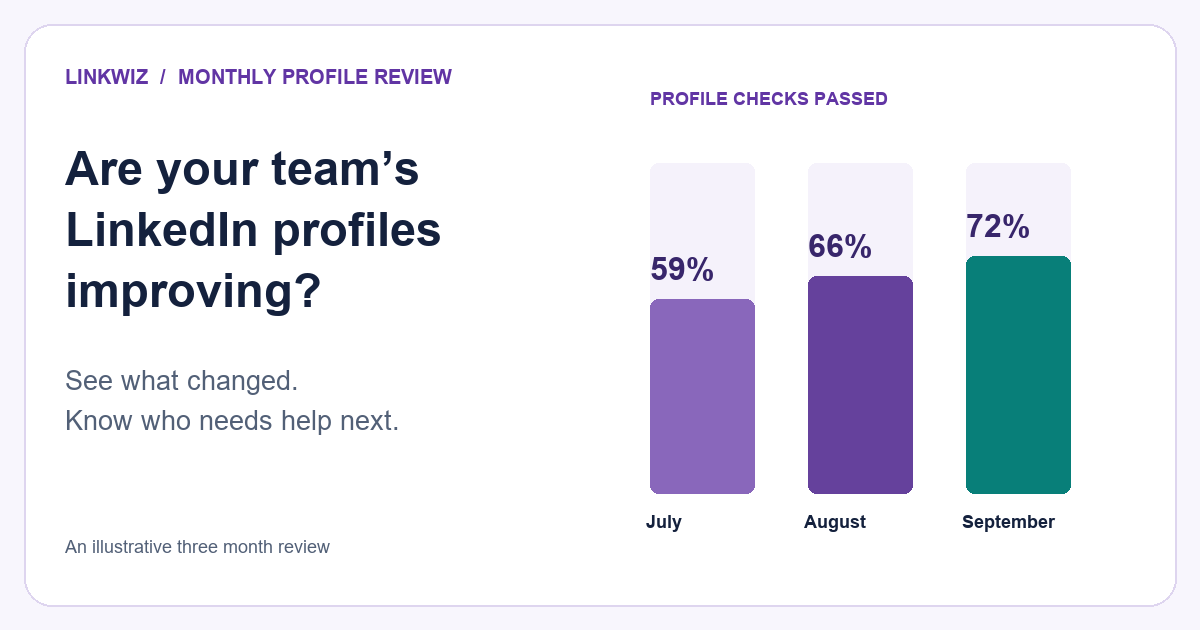
For a longer view, see how to track LinkedIn profile improvements month by month and identify which employees still need support.
The business hypothesis is straightforward: a clearer, more relevant profile may help a prospect feel confident accepting a connection request or replying. A profile update alone does not establish that it caused either outcome. To evaluate the contribution, keep the audience and sequence reasonably consistent, record when profiles changed and compare results across comparable groups or periods.
Start with the employees sending your next sequence. Review their profiles, give them the company material they need and inspect the LinkedIn conversations they join. Apollo organizes how the team reaches prospects. Linkwiz helps the team improve what prospects find when they look back.
For a comparison of outreach, publishing and advocacy software, see our review of 30 LinkedIn tools.
Use Apollo email analytics to assess outreach results. Explore the Linkwiz profile and activity demo or start a report for the team preparing your next sequence.