.png)
We reviewed the LinkedIn profiles of 29 professionals who responded to a poll inside the 10x Marketers community. Each person gave permission, some publicly and others anonymously, and I evaluated more than twenty sections of each profile using a structured scoring framework.
The results revealed strong patterns across visibility, credibility, storytelling, and profile completeness. Some sections were consistently well handled, others were missing or incomplete, and many details pointed to predictable habits around how people use LinkedIn.
This article breaks down exactly what we've found and it goes deeper than the initial LinkedIn post on the topic, with a data-driven look at what professionals do well, what they tend to overlook, and what you can learn from it.
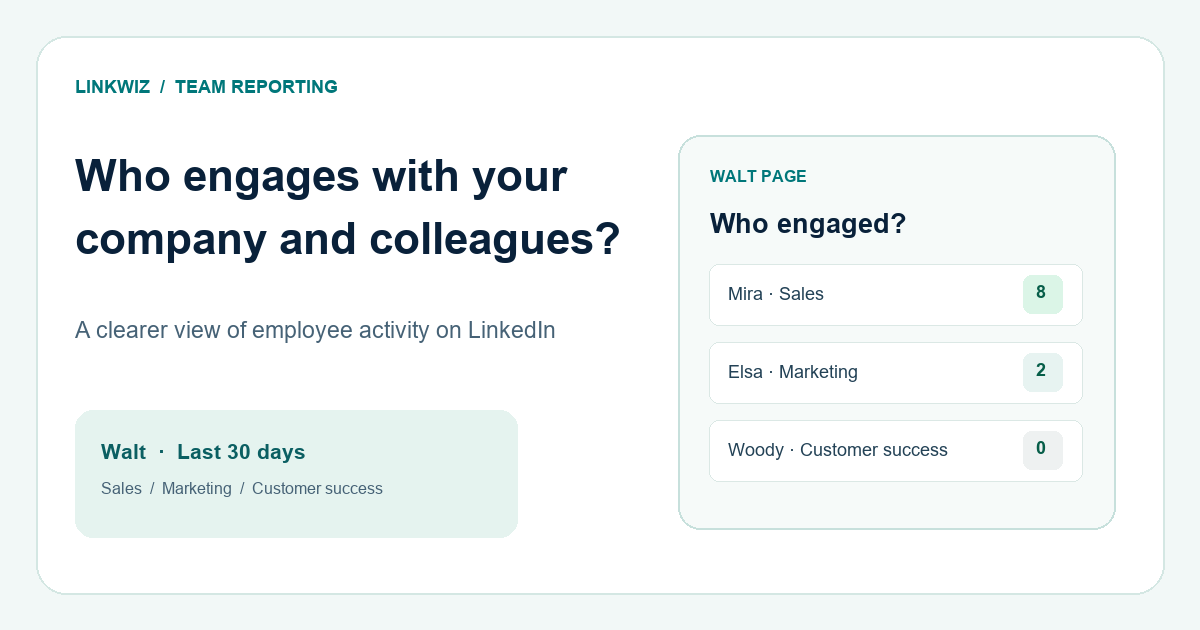
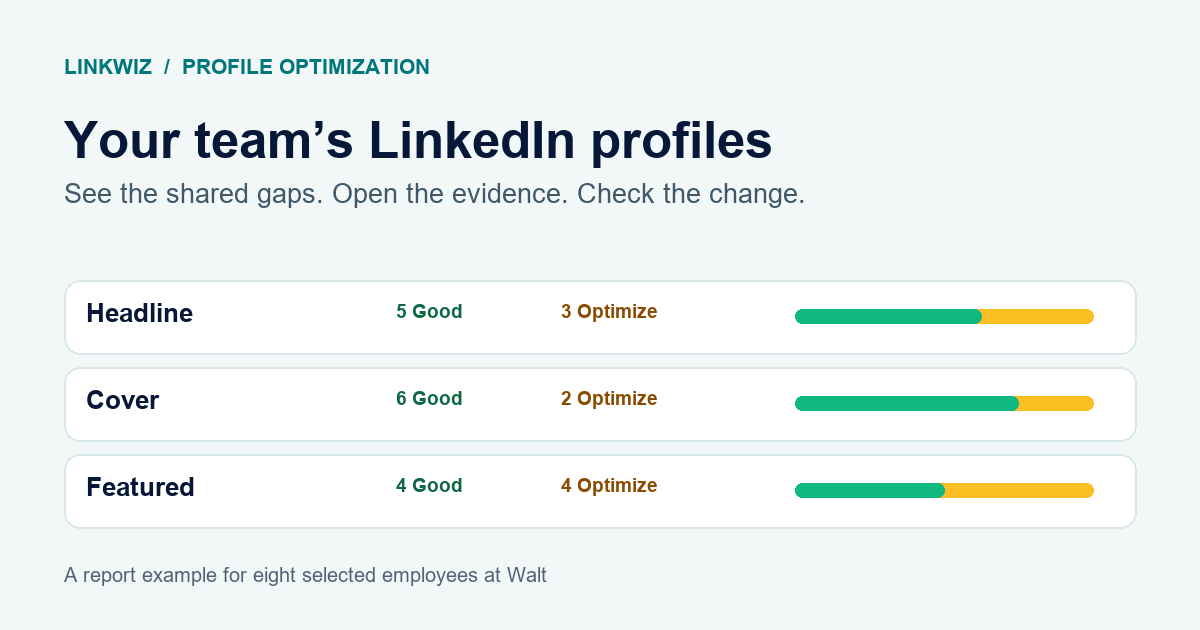
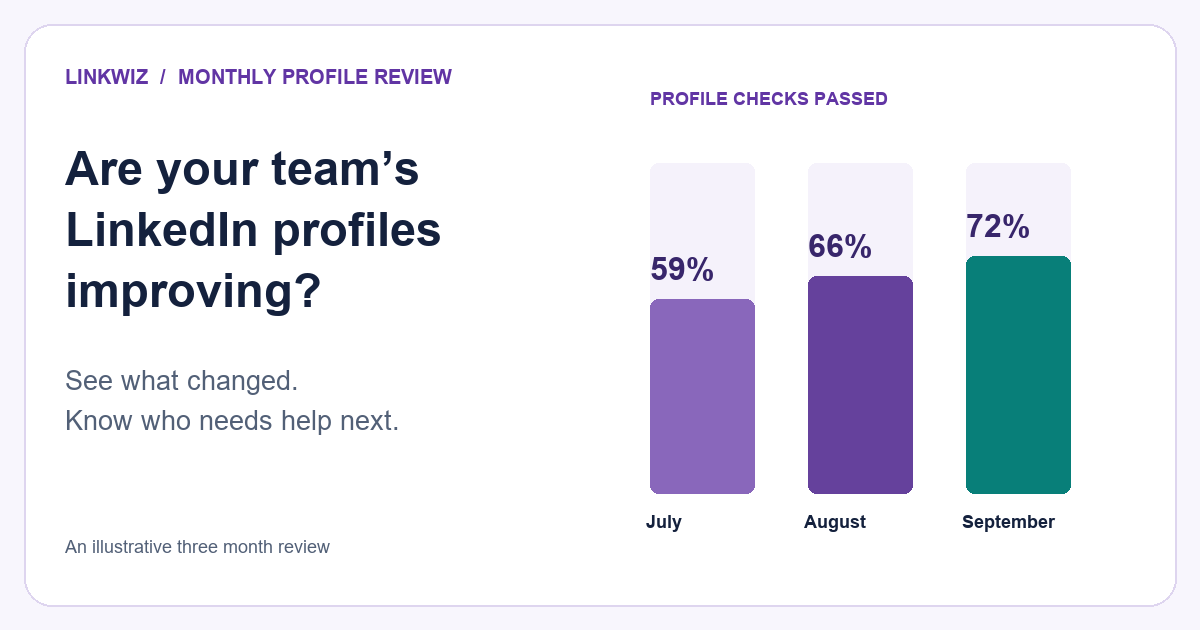
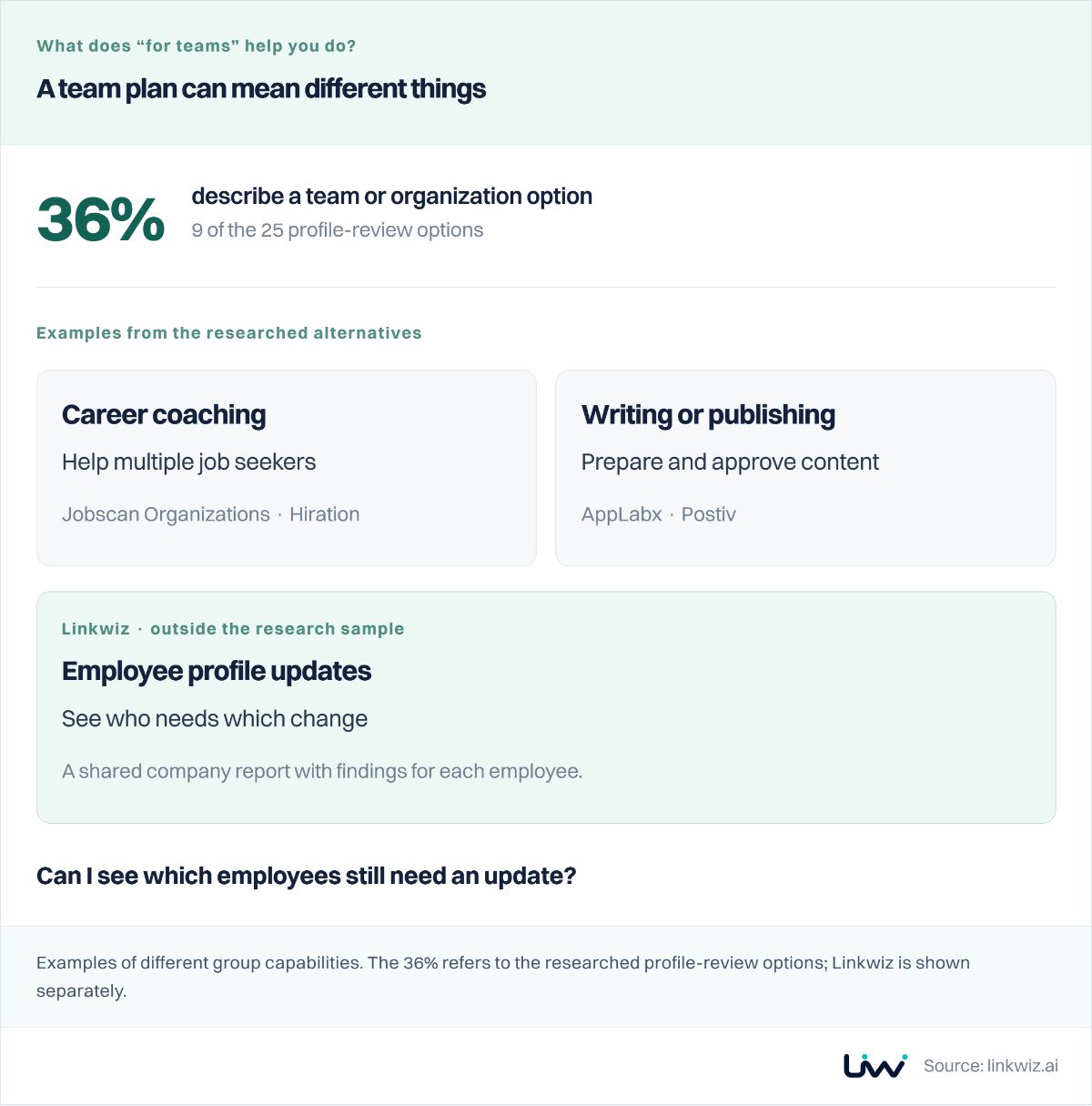
If you manage LinkedIn profiles across a team, see how a company report turns recurring profile gaps into specific updates.
How the Review Worked
Each profile was manually reviewed, the scored were inserted into a this Google Sheet containing 20 plus LinkedIn sections.
Each section received one of three scores:
- Good – strong, complete, nothing to fix
- Optimize – exists but needs improvement
- Missing – not present at all
This created a consistent way to compare profiles and spot trends.
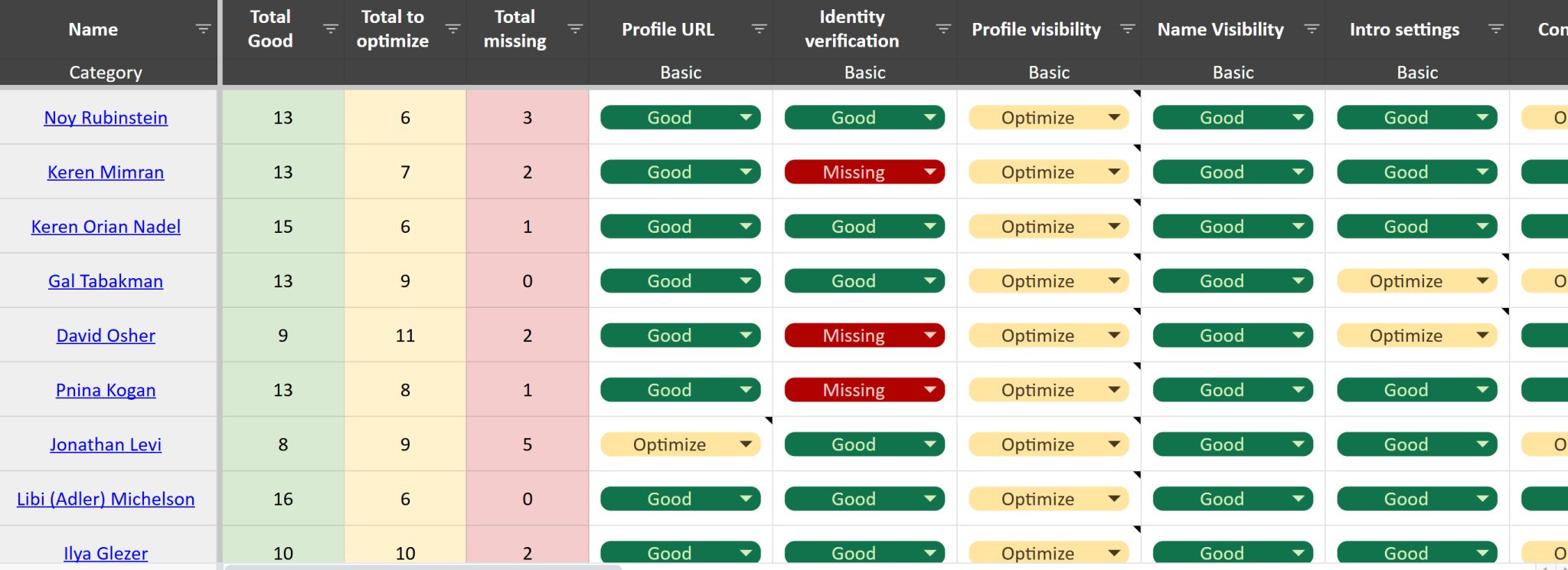
On average, each professional had:
- 39% Good
- 28% Missing
- 33% Optimize
Only two profiles had zero missing sections, and three profiles had five or more.
Some more important insights:
- 79% of the profiles were missing at least one of the "core" sections, recommendations of featured posts
- 42% of the profiles were missing social proof in their headlines, about section and experience descriptions
- 34% of the profiles did not go through a verification process, missing a badge next to the person's name
What Professionals Tend to Do Well
These are the sections where most professionals demonstrated good structure, completeness, or alignment.
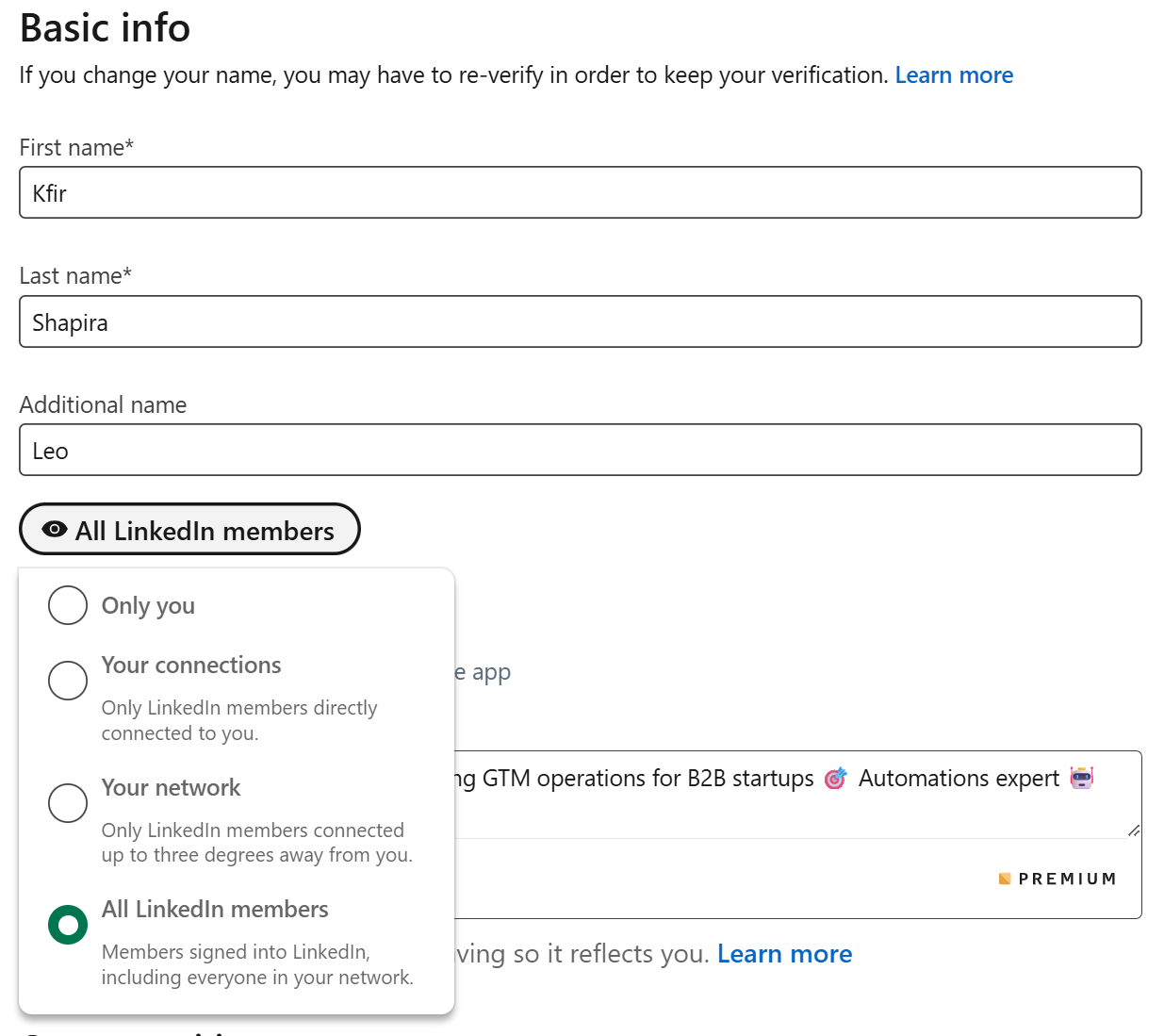
Name Visibility– 100% Good
Findings: Everyone used a complete, recognizable name. This isn't true to everyone on LinkedIn, and often you see hidden last names
Best practice: Keep your full name public so people can identify and remember you.
Profile Picture– 76% Good
Findings: Most professionals used high-quality photos.
Best practice: Use a natural-light photo with a clean background and a friendly expression.
Education– 79% Good
Findings: Education details were consistently complete across profiles. We did recommend some professionals that had their educational institution mentioned in their intro (right under the cover image) to consider if that is valuable for them to have it mentioned there. For example, if they studies something not related to their current goals or if they studies in an educational institution that isn't reflecting well on their reputation.
Best practice: Add degrees, fields of study, and relevant achievements.
Skills– 72% Good
Findings: Most people listed enough skills for LinkedIn to understand their professional identity. But many missed on highlighting their top skills in the About section.
Best practice: Add relevant skills and pin your top three.
Intro Settings– 72% Good
Findings: Most users had a solid intro section, though some needed to remove outdated roles or adjust location details, irrelevant companies and educational institutions.
Best practice: Keep your intro clean and aligned with your current role and goals.
Profile URL– 76% Good
Findings: Many professionals customized their URL, but a quarter still used long default LinkedIn URLs.
Best practice: Use a clean, name-based URL for stronger personal branding.
Cover Image– 66% Good
Findings: Two-thirds had a high-quality cover image that supported their professional identity. Many chose to use their company's cover image.
Best practice: Use a branded or industry-specific banner with minimal text. The easiest way to optimize the cover image if you are employed at a company that has a LinkedIn page is to use the same cover as the company's page. or look into covers of execuives like the CEO.
Interests– 62% Good
Findings: This section is rarely even looked at, but this is an in-depth review that looked at every available section on the LinkedIn profile. So most interests that were checked aligned with relevant industries and creators.
Best practice: Follow pages and people that reflect your field and expertise.
High-Miss Sections (Where Many Professionals Lack Key Elements)
These sections frequently scored Missing or Optimize, signalling underuse or misconfiguration.
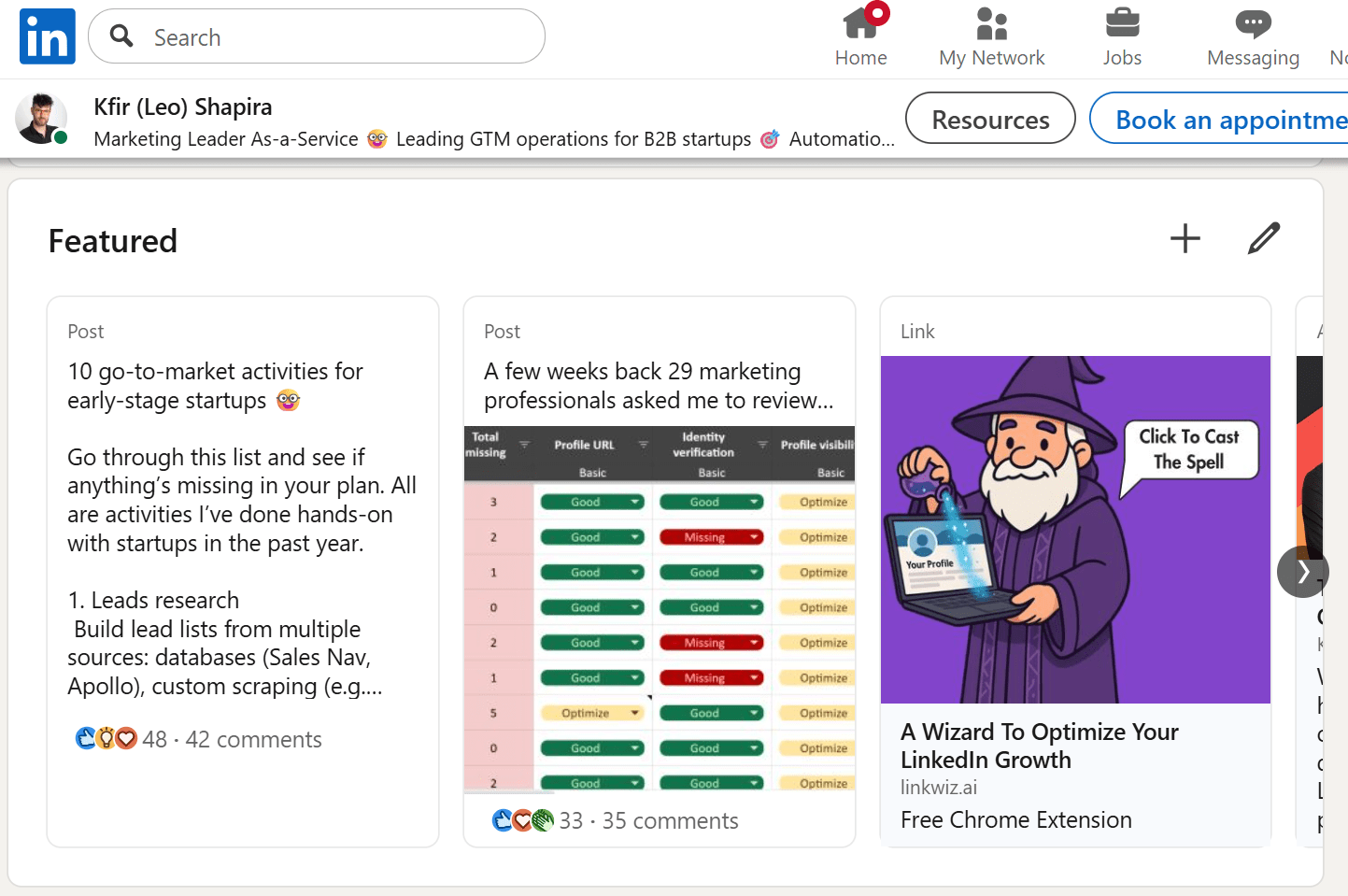
Featured Posts– 59% Missing
Findings: More than half had no Featured section, reducing their ability to demonstrate credibility.
Best practice: Add content like posts, links, or case studies to showcase your work.
Recommendations– 41% Missing
Findings: Plus 24% that had less than 3 recommendations. Accounting to a total of 65% profiles that need to optimize their recommendations section!
Best practice: Follow the Give-to-Get framework (read all about it in here)
Languages– 41% Missing
Findings: Many profiles didn't list languages despite global relevance.
Best practice: Add languages even at basic proficiency levels.
Informational Sections– 28% Missing
Findings: Sections like Certifications, Publications, and Volunteering were often missing. Though they are not always relevant.
Best practice: Review the available informational sections. Add at least one informational section to strengthen depth and credibility.
Contact Info– 52% Need Optimization
Findings: Half the profiles chose not to show their email address even to their 1st connections. Many were missing a website in their contact details.
Best practice: Add a professional email and website, and ensure they’re visible.
Narrative and Messaging Gaps
These sections shape how visitors understand your positioning, relevance, and value.
Headline– 45% Need Optimization
Findings: It's really one of the most important, and easiest optimizations. And while there isn't one-truth as to how to optimize it, there are definitely best practices, and many professionals did not seem to know the full potential of their headlines.
Best practice: Write a headline that explains who you help, how you help them, and why it matters. Include social proof and try variety of tones to see which fits you best (it's so easy to generate a few options with AI!)
About Section– 38% Need Optimization
Findings: About sections often lacked storytelling, structure, or personality.
Best practice: Start with a hook, continue with a story which focuses on achievements and social proof.
If you're not an experienced story-teller, follow Gary Provost's advice. We even creted a free Gary Provost custom-gpt to help you with story telling!

Experience– 38% Need Optimization
Findings: Many Experience entries were responsibility-based instead of impact-based.
Best practice: Add measurable outcomes and attach supporting media.
Sections we could not review
Profile Visibility, Work Verification and "Open to..." “Optimize” for everyone simply because these settings aren’t visible when viewing someone else’s profile. We marked them that way so each professional could review them personally.
This created minor bias in the overall statistics, but the impact is estimated to be small. So we kept them for completeness and note this for transparency.
Another section that was reviewed but no longer relevant is "creator mode". In 2024 LinkedIn announced changes to the creator mode feature which was made available to everyone by default.
Connections and commenting
The LinkedIn best practice is to connect with at least 5 new people per week (networking). It require sending 25-50 connection requests per week, which most of the research participants claimed they do not send.
It is also recommended to engage in 5 conversations per day, and leave 5 comments or reactions. Most of the research participants, professional marketers, said they have a hard time to find relevant conversations to engage with, and they don't see all the posts of the people they are really interested to network with for business, personal growth or sales purposes.
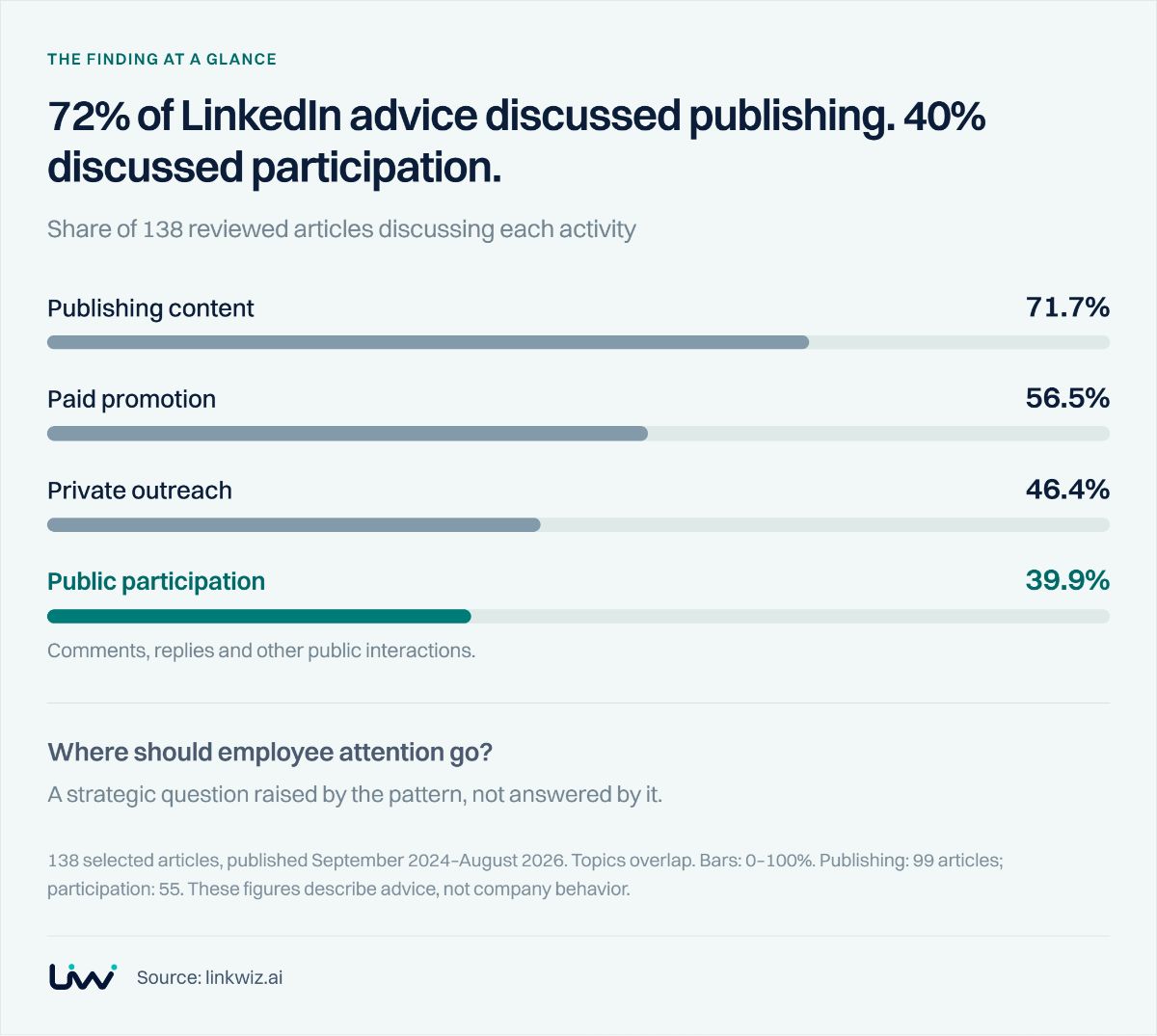
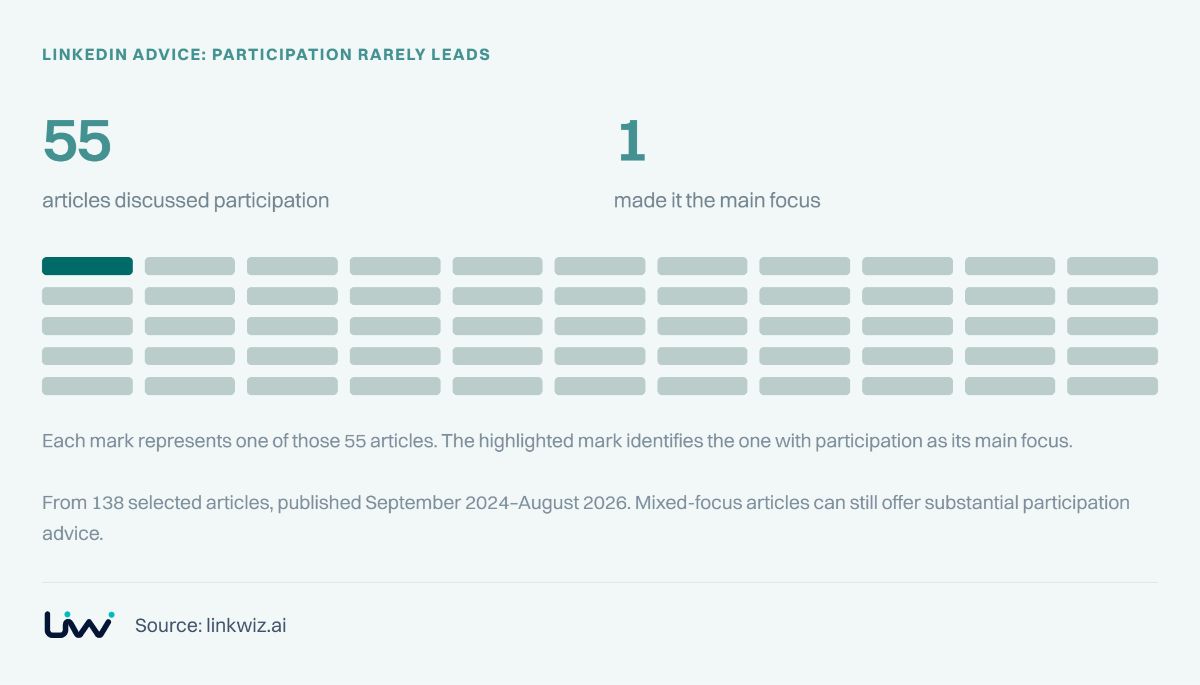
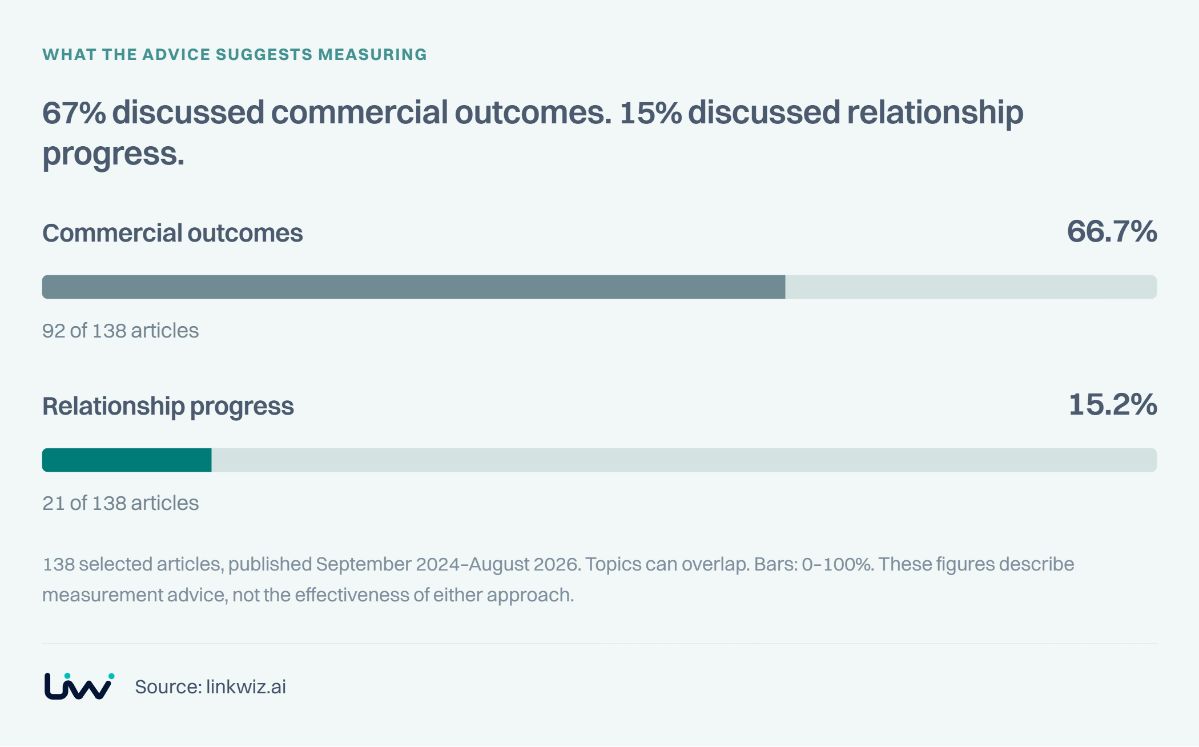
Our later research on LinkedIn business advice examines how published guidance addresses posting, outreach and joining conversations.
About Linkwiz
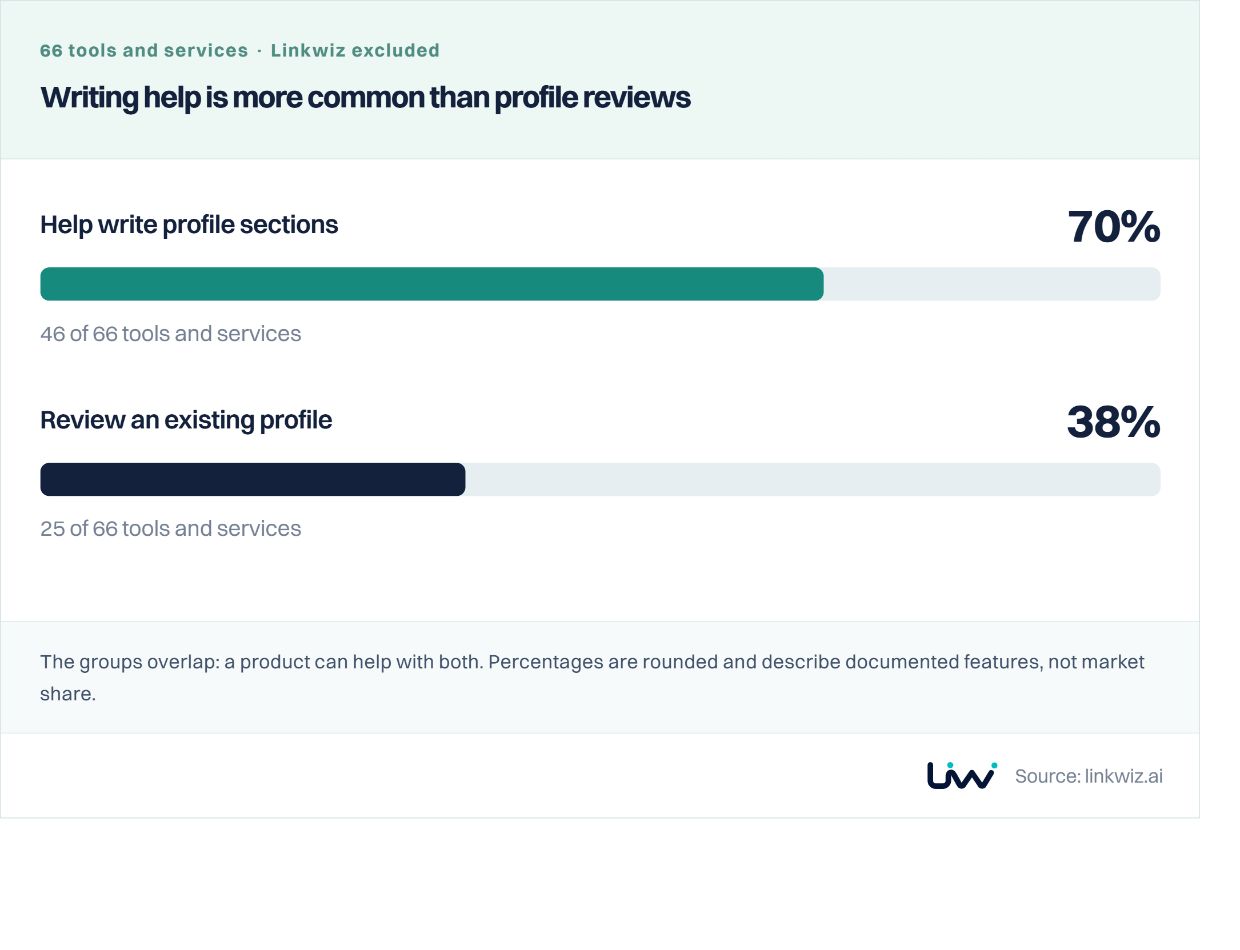
This audit used the scoring framework built into Linkwiz. It's AI-powered Profile Optimizer is built as a Chrome extension that analyzes 20+ LinkedIn sections and generates a personalized optimization checklist.