Checklist
✅ Follow the “give to get” approach
✅ Write thoughtful drafts to make it easy for others
✅ Use warm, personalized messages instead of cold requests
How optimize and get LinkedIn recommendations
Recommendations appear near the end of your profile, supposudly not much visited. But the people who scroll down that far are the decision makers who really consider working with you.
Follow the “give to get” 4 step framework
This simple workflow helps you consistently collect high quality recommendations:
Step 1: Choose 5–10 people
Pick individuals who can speak to your skills, impact, teamwork, or leadership.
Linkedin allow you to recommend people based on variety types ofrelationships:
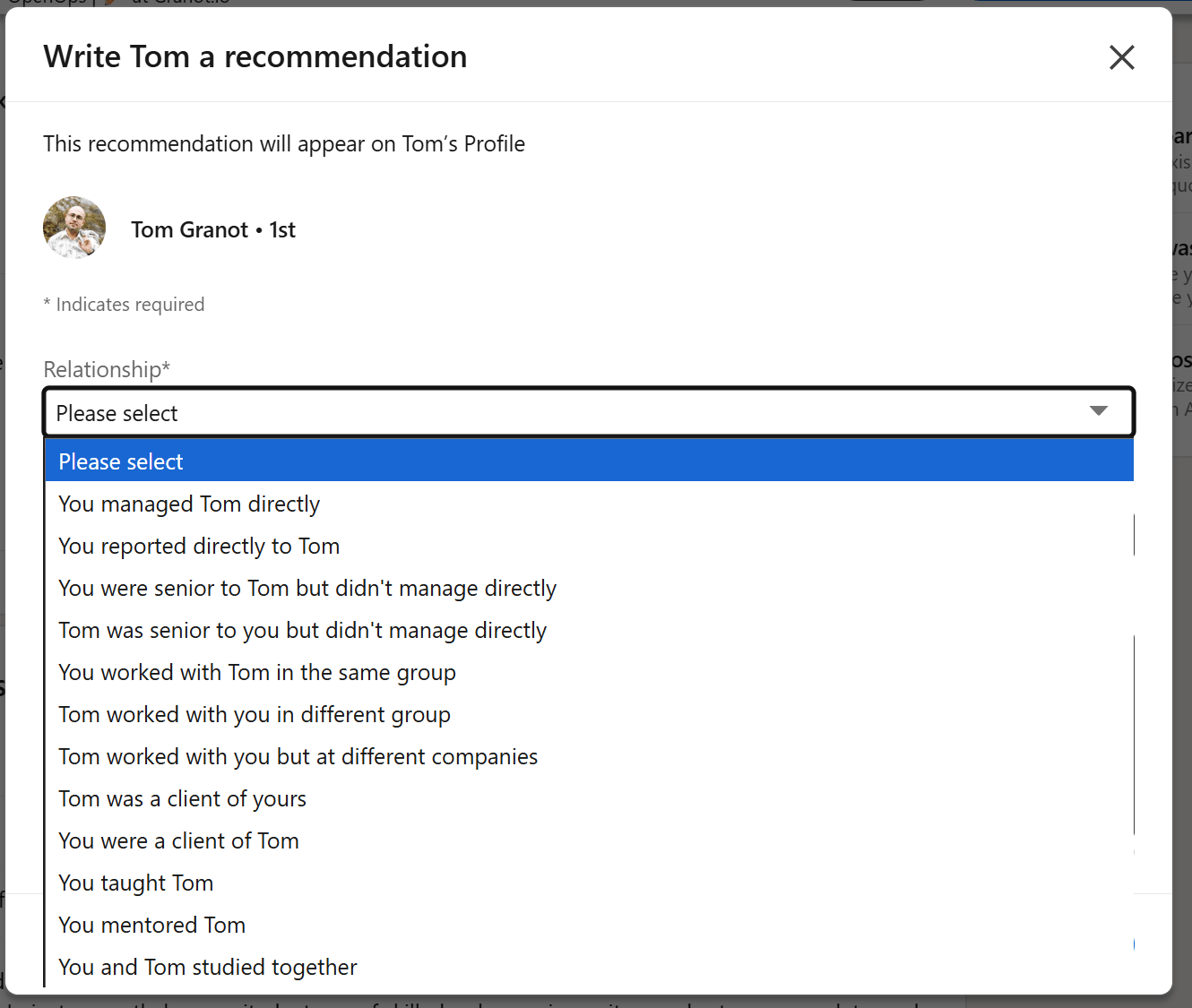
Step 2: Write a short, genuine recommendation for them
Be specific about your shared experience. Mention projects, results, or qualities.
Use this prompt:

Step 3: Send a warm, personal message
Avoid using LinkedIn’s default “request recommendation” feature.
Use their real communication channel (WhatsApp, iMessage, email) instead.
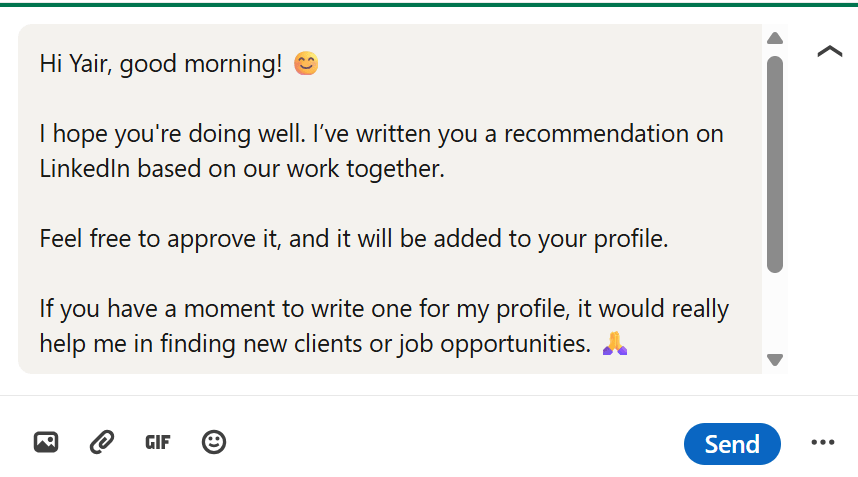
Message template:“Hi, good evening! 😊 I hope you're doing well. I’ve written you a recommendation on LinkedIn based on our work together. Feel free to approve it, and it will be added to your profile.
If you have a moment to write one for my profile, it would really help me in finding new clients or job opportunities. 🙏
If it’s easier, I can draft a version for you that reflects our professional relationship.”
Step 4: Send a draft if they agree
People often want to help, but don’t have the time or confidence to write from scratch.
A thoughtful draft helps them follow through.
AI prompt for writing a draft they can leave for you:

Make sure your recommenders are in your network
To message them on LinkedIn, you need them to be connected to you. Optimize your connections
Optimize the profile picture for them to recognize you and make sure your name is visible (use the opportunity to optimize all your visibility settings and consider verifying your identity or workplace to increase trust)
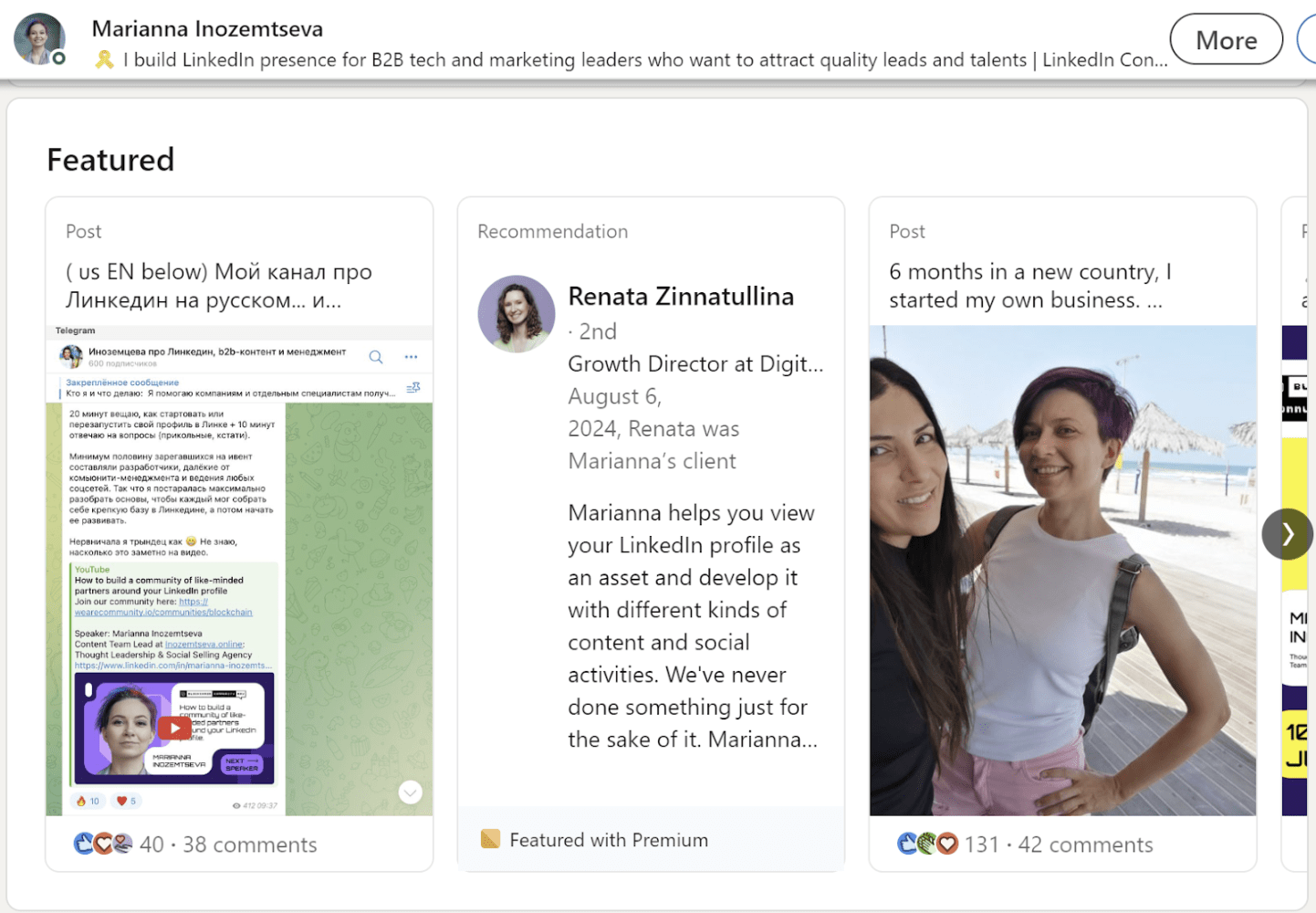
Feature a recommendation (LinkeIn Premium feature)
The featured posts section allow users with a Premium subscription to feature a recommendation in their featured posts section. If you did not yet start posting on LinkedIn it already gives you one more type of content to feature.